Three ways in. Pick the one you already have.
A story and nothing else
The common case. Describe what happens and who is in it, pick the reader age, and the first illustrated direction comes back in about a minute.
Start from the storyA finished cover that needs a paperback
A front cover from anywhere — a designer, another tool, an earlier book — goes through the free converter. Give it your trim, page count and paper and it returns the wrap PDF.
Open the free converterAn illustration you already ownBeta
Upload a finished illustration and a cover is painted from it — your character, palette and style carried across, then framed and typeset for the shelf.
Use your own artwork
Three versions, three AI Generations, one paperback.
The Tin Compass by J. R. Okonkwo — a demonstration book, not customer work.
“Two children in raincoats at the edge of a mossy stone stair going down into mist, one holding up a battered tin compass with a faintly glowing needle. A hand-drawn map border. Adventurous rather than frightening.”
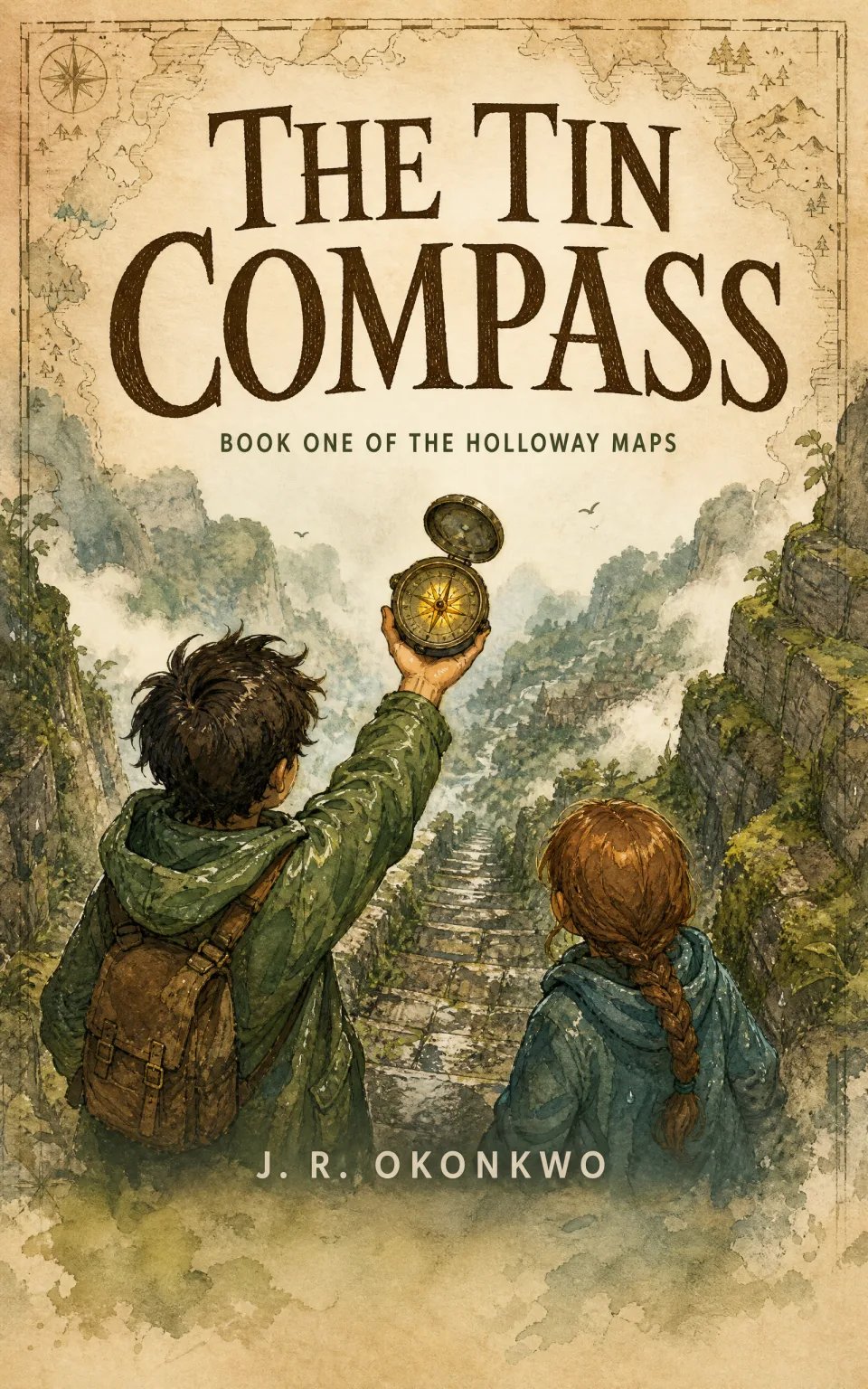
Step 1First directionGenerated from the brief above. This is what one AI Generation buys.1 AI Generation 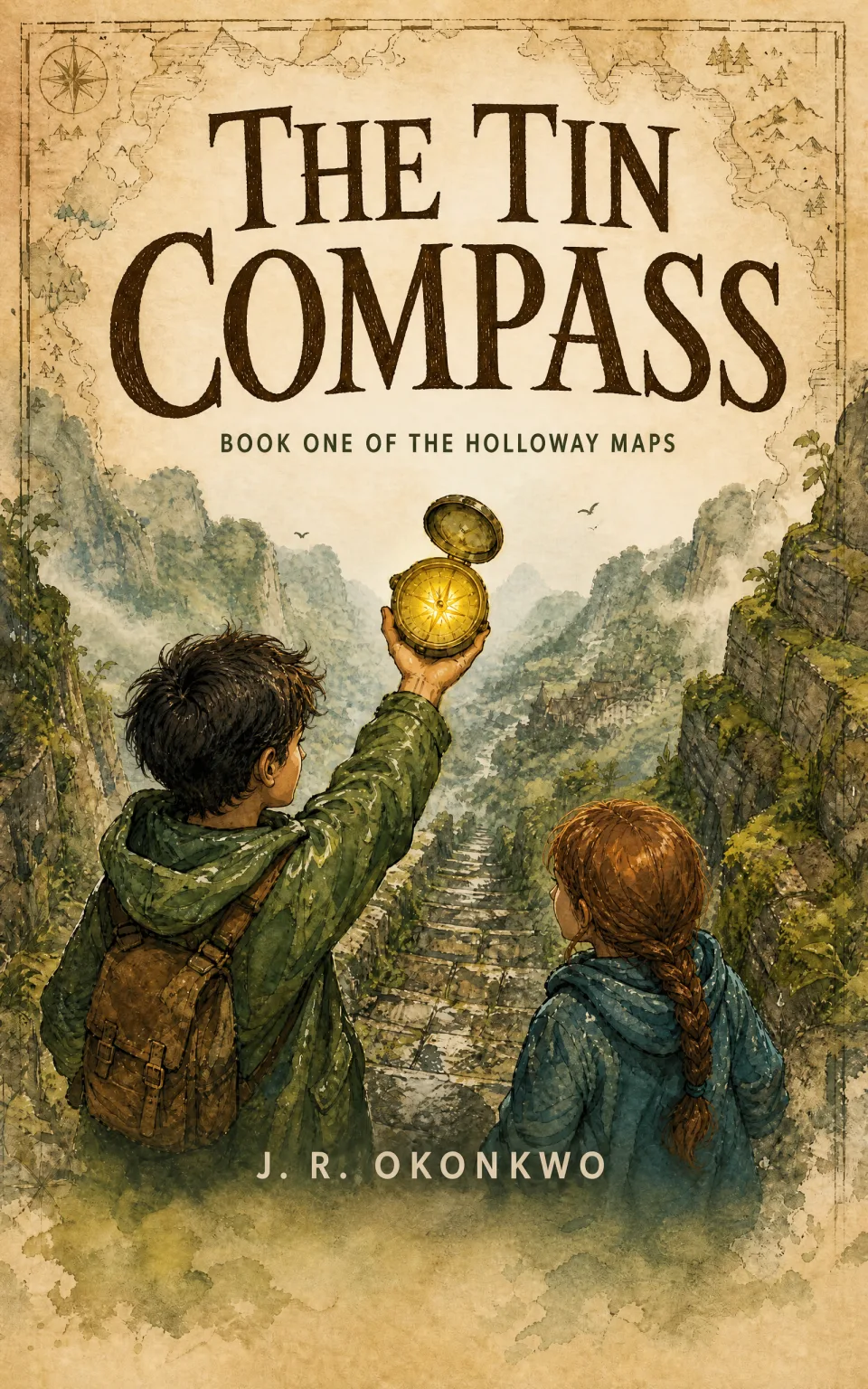
Step 2Refined in a sentence“Make the compass glow considerably stronger and lift the mist so the faces read.”1 AI Generation 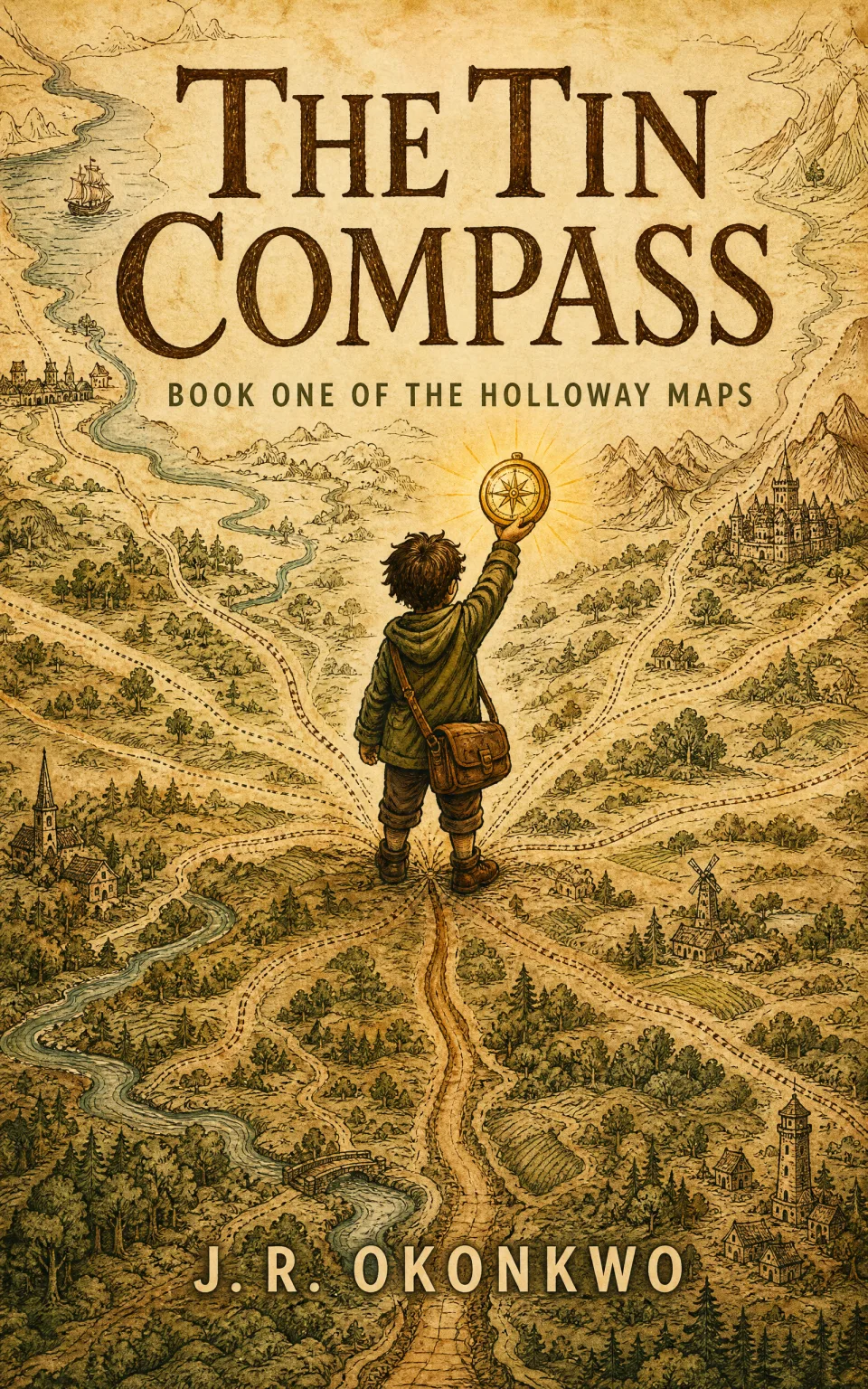
Step 3 · chosenStarted over from a new directionNot a tweak of the last one — a fresh description of the same book, with the map as the whole landscape and one child standing where its roads meet. Kept as the cover. The two earlier versions stay in the project either way.1 AI Generation
Middle grade prints at 5.5 × 8.5 in, one of the trims the wrap builder covers, so this project ends in both files: the ebook front cover, and a full paperback wrap with back, spine and front in one PDF. Building and exporting either costs 0 AI Generations.
Front cover: 1600 × 2560 PNG · Wrap: one PDF, back + spine + front at 5.5 × 8.5 in
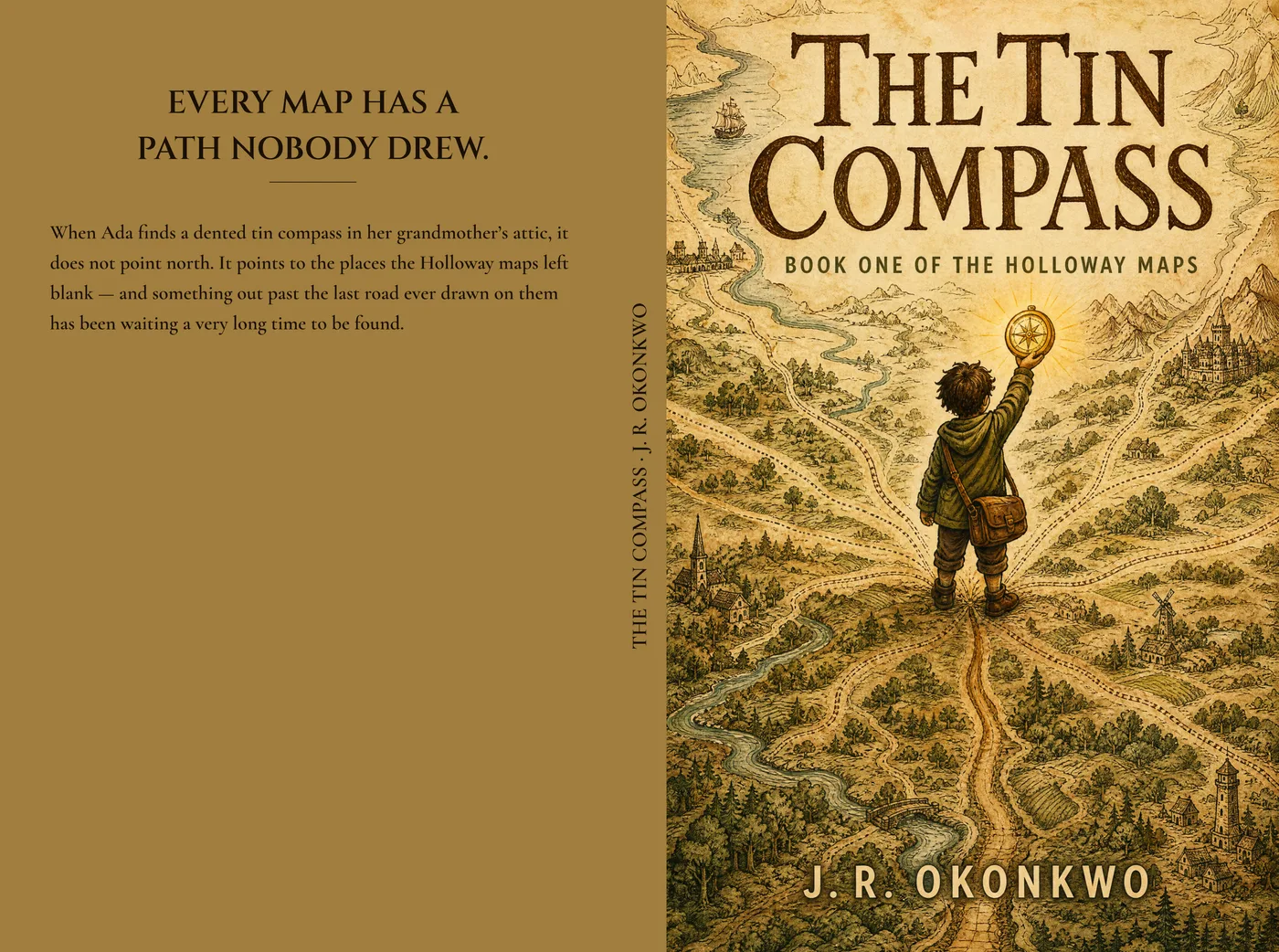
One AI Generation, and it reaches a paperback.
The Lantern Fox by Maeve Arden — a demonstration book, not customer work.
“A small round-cheeked fox carrying a warm glowing paper lantern through a quiet birch wood at dusk, in soft storybook gouache. One oversized friendly character looking gently toward the reader. Composed for a square picture-book cover, artwork bleeding to all four edges.”
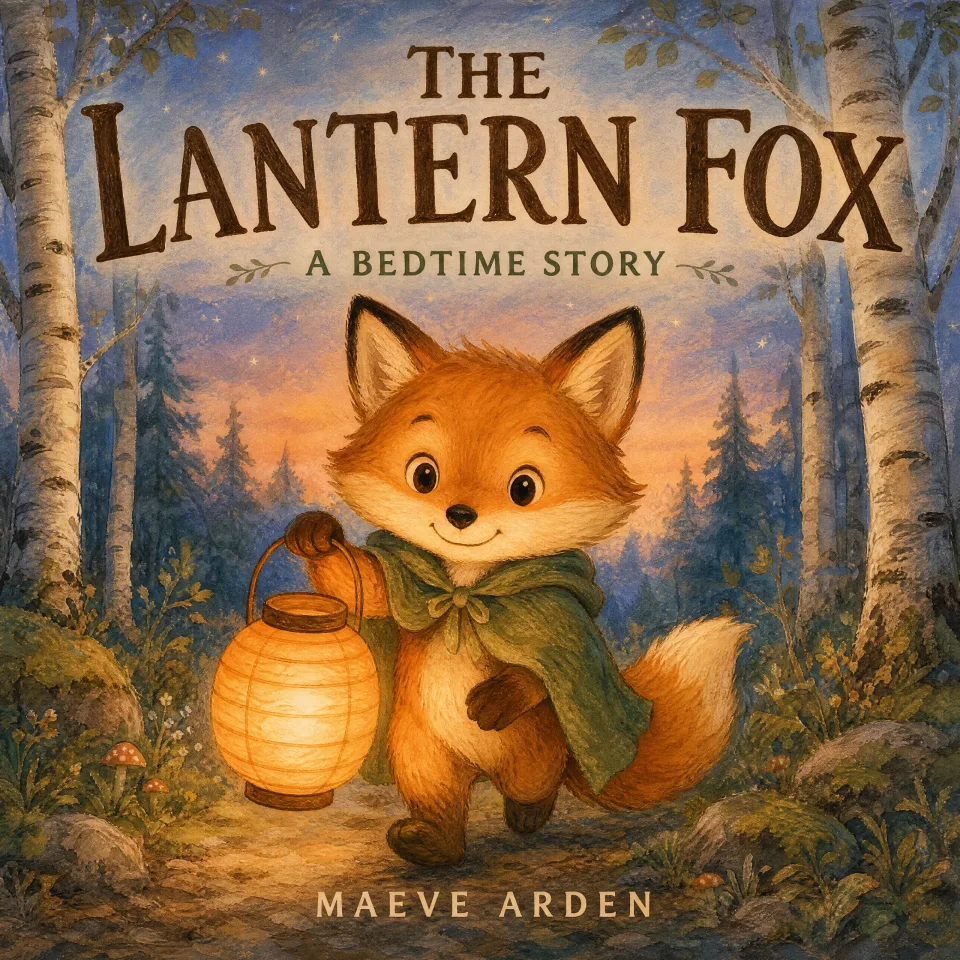
Step 1 · chosenGenerated square, not cropped squareAsked for at 2560 × 2560 from the start, so the fox is centred in a square composition rather than a portrait one with its head and feet cut off. Kept as it came back — this project never needed a second direction, so one AI Generation is the whole of it.1 AI Generation
Both files export for nothing. The wrap is one PDF — back cover, spine and front — at 8.5 × 8.5 in, the trim picture books are actually printed at, built here at 32 pages on premium colour. At that page count the spine is 0.075 in, which is far too narrow to set type in, so the builder does not offer spine copy for this book: the strip is there, it is the right width for the printer, and it stays blank. The back is a shade of the cover’s own colour rather than a sampled average of it, which is what keeps a dusk book looking like one across all three panels.
Front cover: 1600 × 1600 PNG · Wrap: one PDF, back + spine + front at 8.5 × 8.5 in (square)
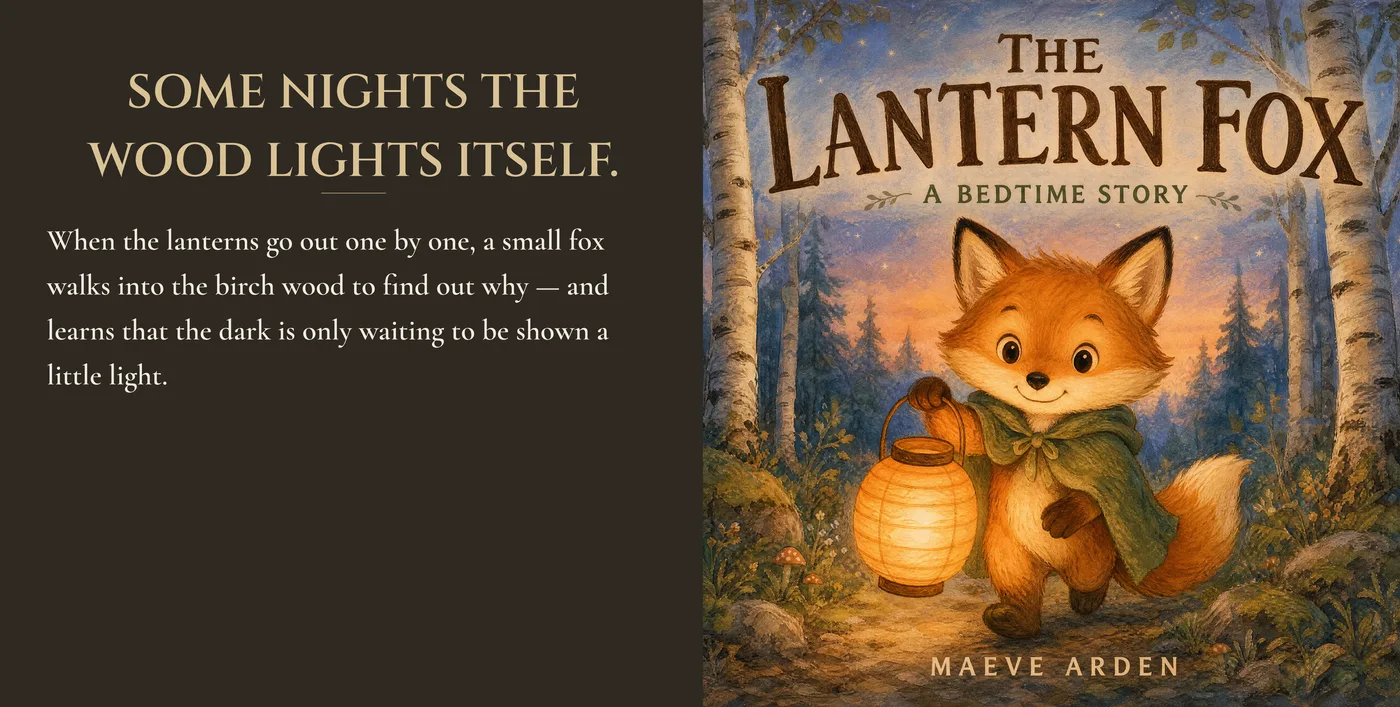
The tier decides the cover — and what you can print.
Children’s is not one category. A board-book cover and a middle-grade cover follow different rules about character size, title weight and how much text belongs on the front. Pick the tier and the archetypes, the brief and the print options all follow it.
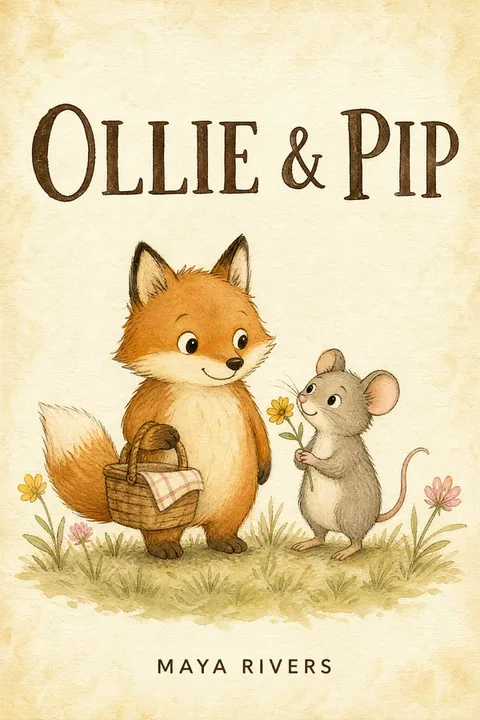 Ages 3–7
Picture book
One oversized character, a hand-lettered or chunky title, a warm saturated palette, very few words on the cover.
Ebook cover + paperback wrap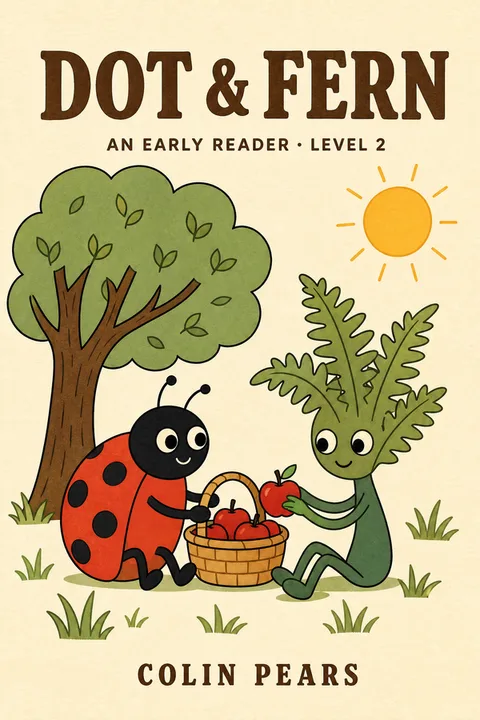 Ages 4–7
Early reader
Character plus a small scene, a friendly animal companion is common, simpler word count — it bridges picture book and chapter book.
Ebook cover + paperback wrap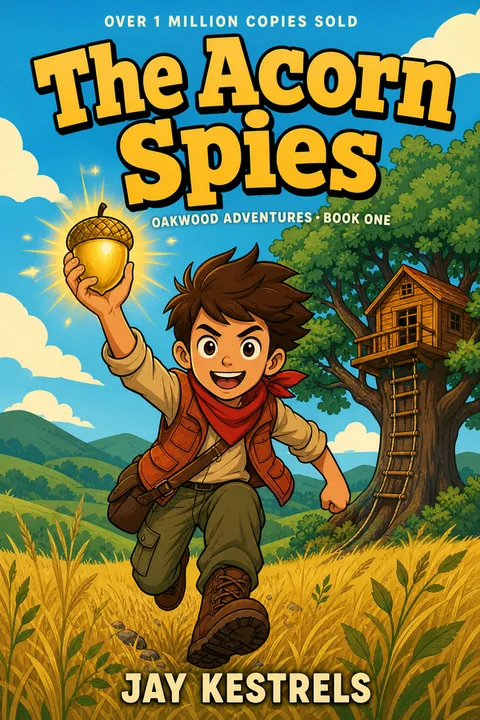 Ages 7–10
Chapter book
Character in a light scene, a little more type, and usually built to read as a series with a series-name band.
Ebook cover + paperback wrap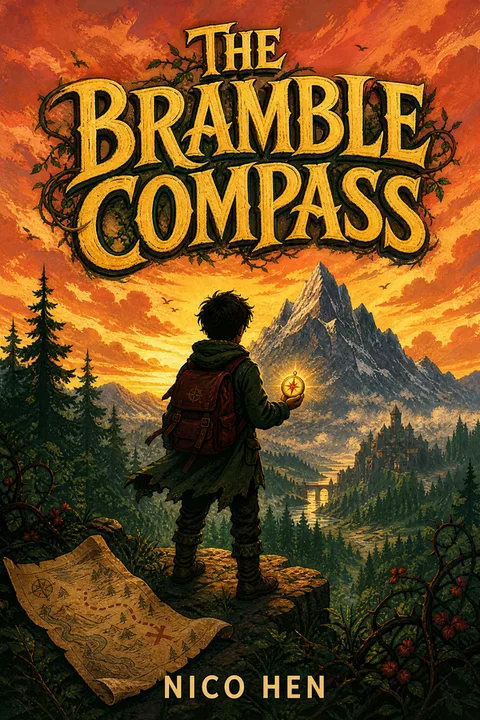 Ages 8–12
Middle grade
An illustrated hero or a symbolic object, a bolder title, and a moodier palette is allowed — the cover can carry more weight than the younger tiers.
Ebook cover + paperback wrap
Three ways to change a cover. Two of them are free.
The picture is generated once. After that, the work of finishing a cover — getting the title right, sizing it, fixing one thing in the art — happens without regenerating everything, and most of it costs nothing.
- Replace the title text0 AI Generations
- Make the title bigger0 AI Generations
- Describe a visual change1 AI Generation, on success only
Nothing you make replaces anything you kept.
Every change creates a new numbered version that records which version it came from, so a project reads as a lineage rather than a single file being overwritten. The version your downloads are built from changes only when you choose it — which is why the projects above can show a discarded direction sitting next to the chosen cover.
An AI Generation is used only when a new result actually succeeds. Failures, timeouts, cancellations and retries of the same request never consume the final allowance.
What this is not: a typography editor. These three operations are exactly what the edit panel offers — there is no font picker and no drag handles, and the two free ones act on the title, not the author name. Everything else about the cover, including moving any of the type, changes by describing it — which makes a new picture and costs one.
A parent chooses at about 100 pixels wide.
Children’s covers are browsed, not read. At storefront size a script title disappears, a busy background swallows the type, and a cold palette isolates itself in a row of warm ones. These are the same covers from further up this page, scaled down.
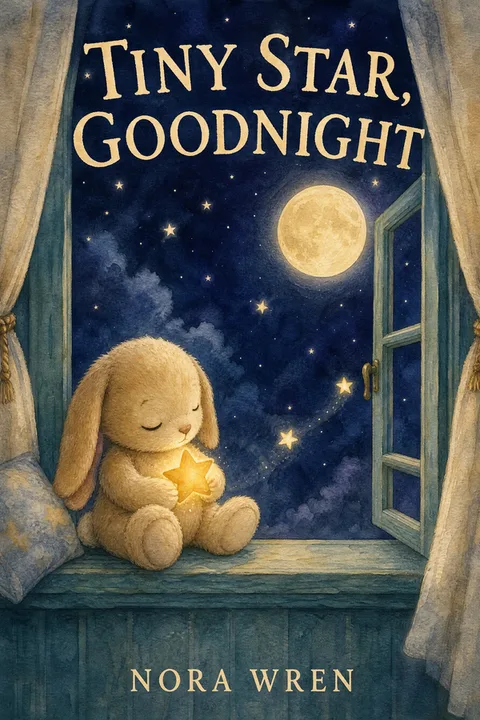
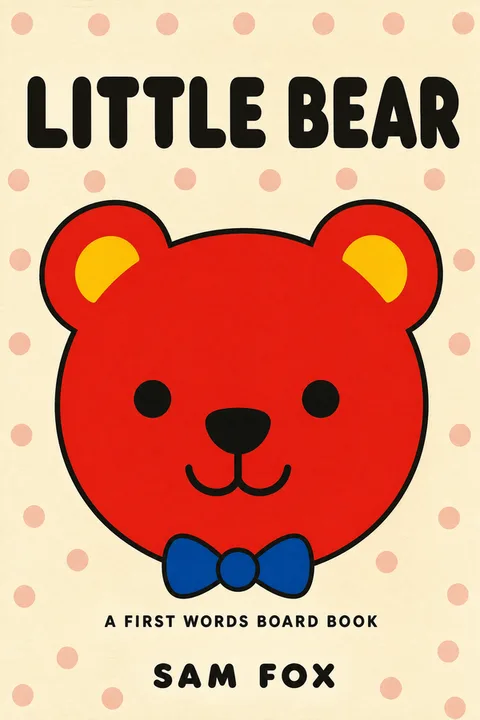
This is a way to judge your own cover, not a feature — there is no thumbnail preview screen in the product. Export yours, scale it to 100px, and put it beside the category bestsellers.
One ebook cover. A separate paperback wrap.
A paperback is a separate wrap file. Covers made here build it in the project’s Publish workspace, where a back-cover headline, blurb, spine text and one of four looks are drawn live over the print guides; a cover from anywhere else goes through the simpler standalone converter. Building, formatting and exporting the wrap uses 0 AI Generations on both routes, and both use the same KDP trim, page-count and spine maths.
Ebook front cover
- Size
- 1600 × 2560 px portrait · 1600 × 1600 px square
- Formats
- PNG and JPG
- Rights
- Commercial rights on a paid download
- Cost to export
- 0 AI Generations
Paperback full wrap
- Trims
- 5 × 8 in · 5.25 × 8 in · 5.5 × 8.5 in · 6 × 9 in · 6.14 × 9.21 in · 7 × 10 in · 8.25 × 8.25 in (square) · 8.5 × 8.5 in (square)
- File
- One PDF — back cover, spine and front
- Colour
- RGB. KDP’s print guidance recommends CMYK — order a proof before a print run
- Cost to build
- 0 AI Generations
Portrait is exactly Amazon's recommended Kindle cover size. A square cover is the shape the book itself is — what the printed picture book and its wrap are built at — but Amazon's ebook criteria ask for a 1.6:1 ratio, which no square file meets, so check a square cover against those criteria before using it as your Kindle image.
No cover generated here at: 8 × 10 in, 8.5 × 11 in
A cover is generated as a 1.6:1 portrait or a 1:1 square front cover, and it is printed at the trims those shapes fit. These are neither shape, so generating one and putting it on this book would mean cropping a cover into a trim it was not drawn for — we do not offer that rather than do it.
The free paperback wrap builder does cover these trims: bring front artwork you already have and it composes the back, spine and bleed around it and exports the print-ready PDF, at any standard KDP paperback trim. And an ebook front cover generated here is unaffected — the same PNG at the size its own shape exports at (1600 × 2560 px portrait · 1600 × 1600 px square), with the same commercial rights, and what a print designer would start from.
You pay for new pictures. Everything else is free.
- Free$0
3 AI Generations, valid 7 days. Previews come back watermarked at 1080px wide, for evaluation. No card.
- Basic · most authors$19
20 AI Generations. One-time, valid 12 months. Clean files and commercial rights.
- Pro$39
60 AI Generations. One-time, valid 12 months — for a series, or several books.
1 AI Generation = 1 new AI visual result
- Title text changesRe-lettering, not a new picture
- Title typographySame
- Front cover export — PNG and JPGA file format, not a picture
- Paperback Full Wrap formatting and PDFDeterministic layout of art you already have
- Solid back panel on the wrapIt is a rectangle
- Re-downloading anything you already madeYou already paid for it
- Failed, cancelled or result-less requestsNothing was created
And what does use one
- Each cover in the first generationOne new AI visual each
- A new concept or variation in the projectOne new AI visual
- A described visual change in RefineOne new AI visual
A finished cover takes most authors three or four generations: a first direction, a second idea, and a revision or two — which is what both projects above cost. A custom children’s illustrator starts around $300 for the cover alone.
What you may do with it — and what this cannot do.
Selling the book
A paid download carries full commercial rights: publish it, sell it, put it on a paperback. The 3 free previews are watermarked and licensed for evaluation and for sharing as they are — publish from a paid download.
AI disclosure
KDP does not ban AI-generated children’s covers. Its guidance asks that you hold the rights to the output, that the cover meets its quality bar, and that you self-identify AI-generated content during title setup. Declare it there; we cannot do that step for you.
Your book’s details
The title and story you type are used to make your covers and are not published on this site or shown to other authors. Fictional demonstration books are the only projects shown publicly — no customer work appears anywhere on this page.
Not currently supported
- Locking an exact character across several booksYou can describe a change and regenerate, and you can start a new cover from an existing one, but there is no character reference that reproduces the same face book after book.
Questions children's book authors ask.
Go deeper
Describe what happens in your story.
The first cover comes back in about a minute.
Pick the reader age, type a sentence or two, and see an illustrated direction before you decide anything. 3 AI Generations are free for 7 days and no card is needed to start.
Start a children’s coverFree results are watermarked previews. Title edits, exports and paperback wrap formatting never use an AI Generation.