






Book cover maker · for indie & KDP authors

Book Cover Makergenerate, refine, and export the files.

Title, author, genre in. A cover project out — every version kept, the title editable without spending anything, and a 1600 × 2560 ebook cover plus a free paperback wrap at the end.

  • 3 free AI Generations · valid 7 days · no card
  • Clean HD + full commercial rights from $19 · one-time
  • 1600 × 2560 ebook front cover · free paperback wrap, either route
Genre · required

Add your story brief in the next step.

BetaAlready have artwork? Use your own

Or try a demo
Made in MakeMyBookCover

One per genre, from the live archetype catalogue.

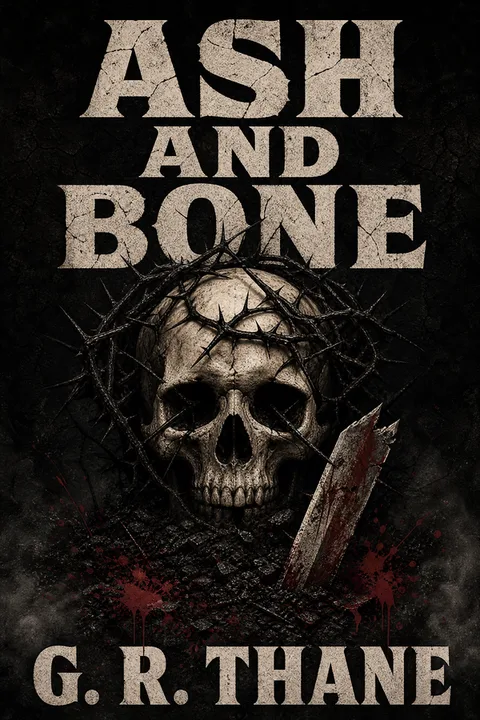
  • Dark Fantasy Thornwood Skull — a fantasy book cover made in MakeMyBookCover
    FantasyDark Fantasy Thornwood Skull
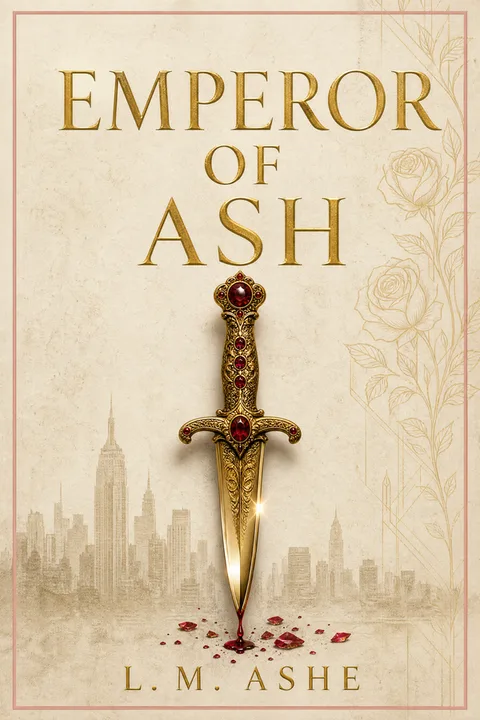
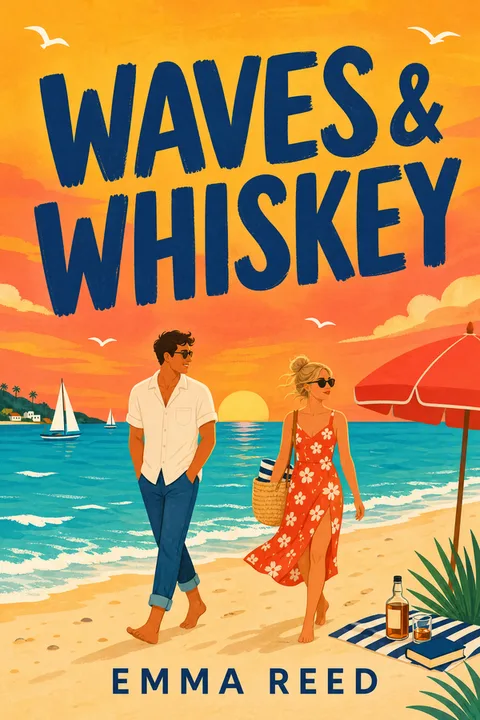
  • Dark Luxury Danger — a romance book cover made in MakeMyBookCover
    RomanceDark Luxury Danger
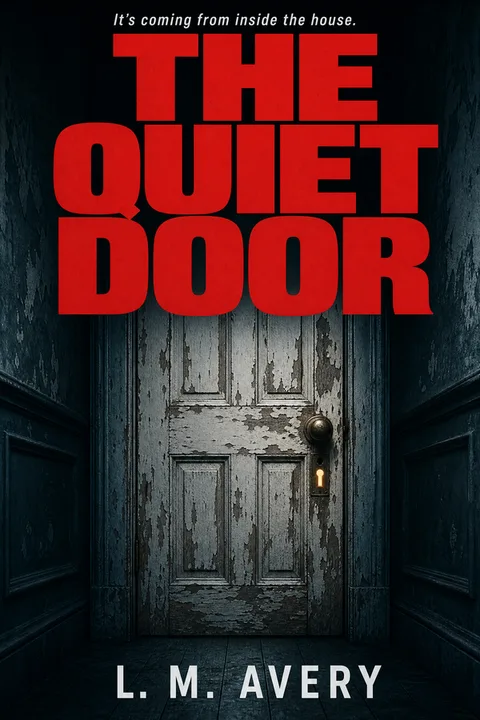
  • Psychological Thriller Quiet House — a thriller book cover made in MakeMyBookCover
    ThrillerPsychological Thriller Quiet House
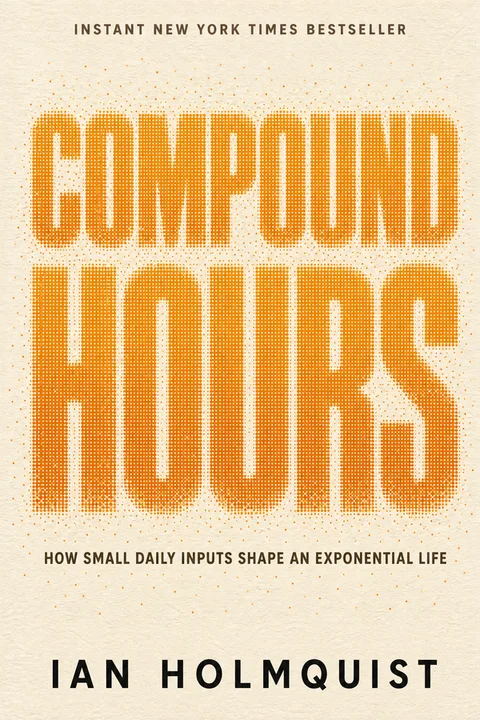
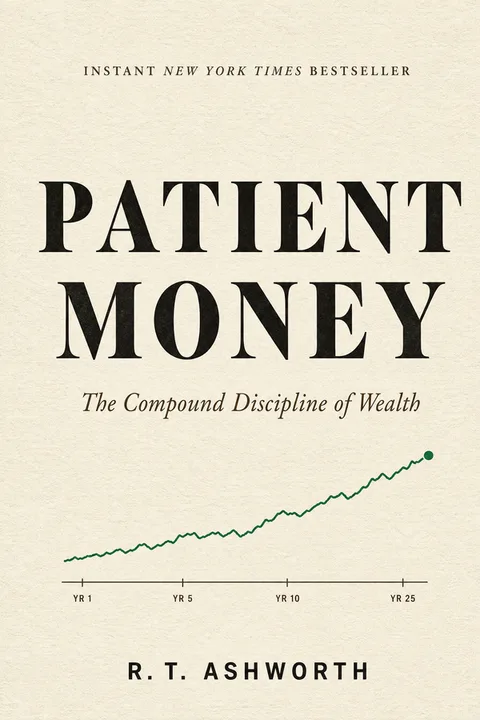
  • Self-Help Compound Habits — a nonfiction book cover made in MakeMyBookCover
    NonfictionSelf-Help Compound Habits
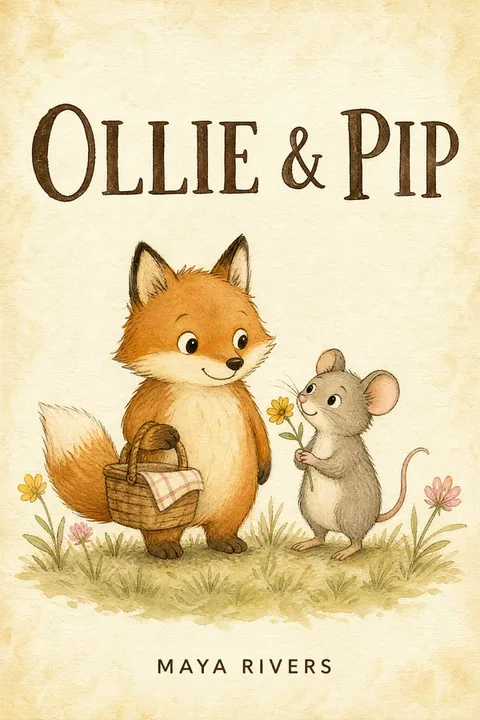
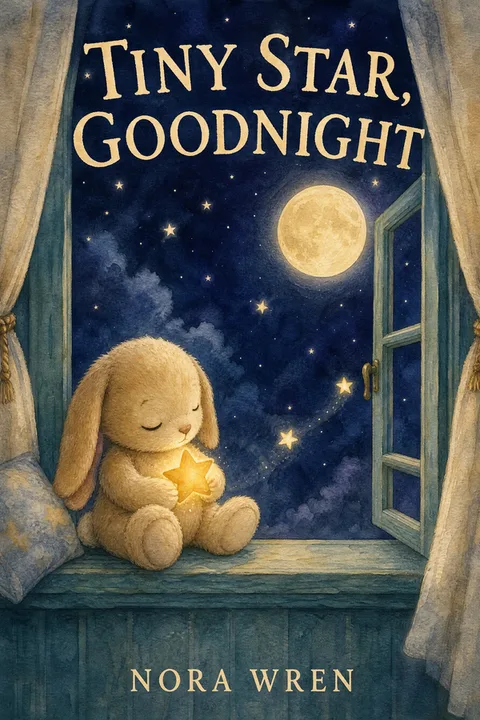
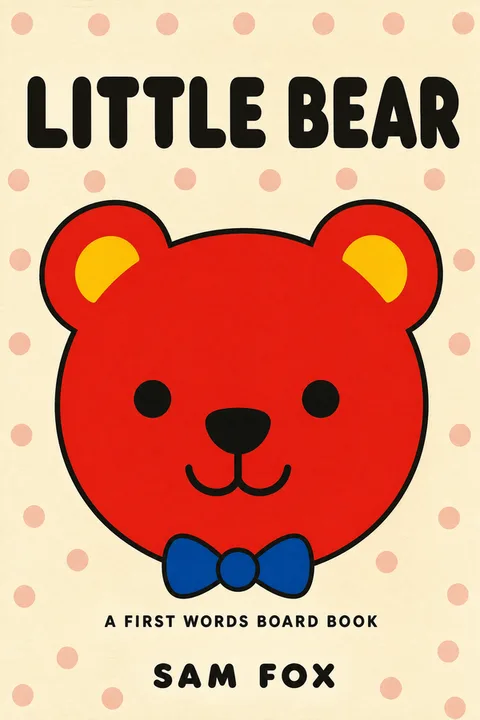
  • Picture Book Animal Friends — a children’s book cover made in MakeMyBookCover
    Children’sPicture Book Animal Friends
The archetype set

Pick the genre. The grammar follows.

Every genre carries its own set, coded by hand against the current Amazon bestseller tier for that category — so the defaults sit inside the conventions your readers already scan for, rather than inside a model average. Pick a style here and the wizard opens on it.

Object-led composition — a ring, a dagger, a crown — under a chunky serif title, on a saturated single colour or a near-black ground. The post-BookTok grammar; photographic couples now read as pre-2018.

Coded against the bestseller tierThe sample definitions, the coding method and every genre-level finding are published in full. Bestseller Cover Visual DNA Index →

Generate → Choose → Refine → Export

One project, from first idea to final files.

A cover is not one request. It is a handful of directions, one you keep, a few changes to it, and two files at the end — and all four of those live in the same project.

Generate directions.

Title, author name and genre; a subtitle, a starting style and a story brief if you have them. Generate a direction, then explore another when you want a genuinely different composition. Every successful result stays in the same project.

Choose without losing anything.

Compare different ideas, choose one to refine, and leave the other available. The publishing choice comes later, after the direction has been refined.

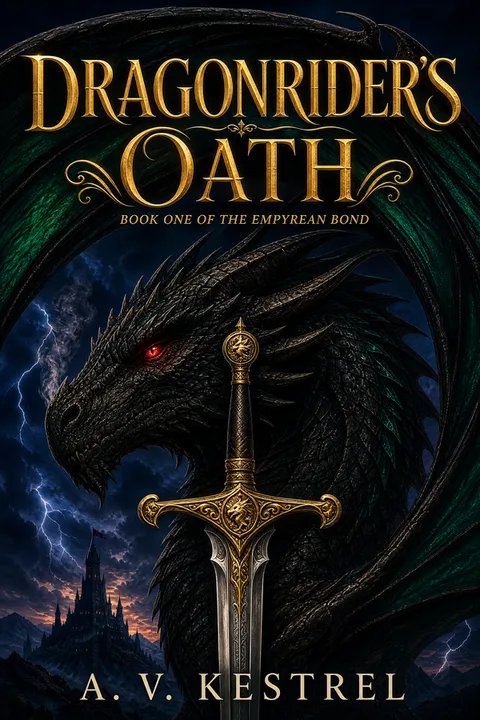
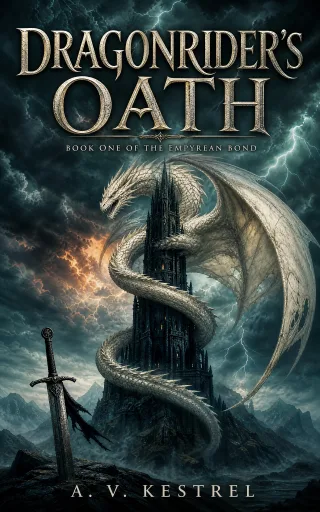
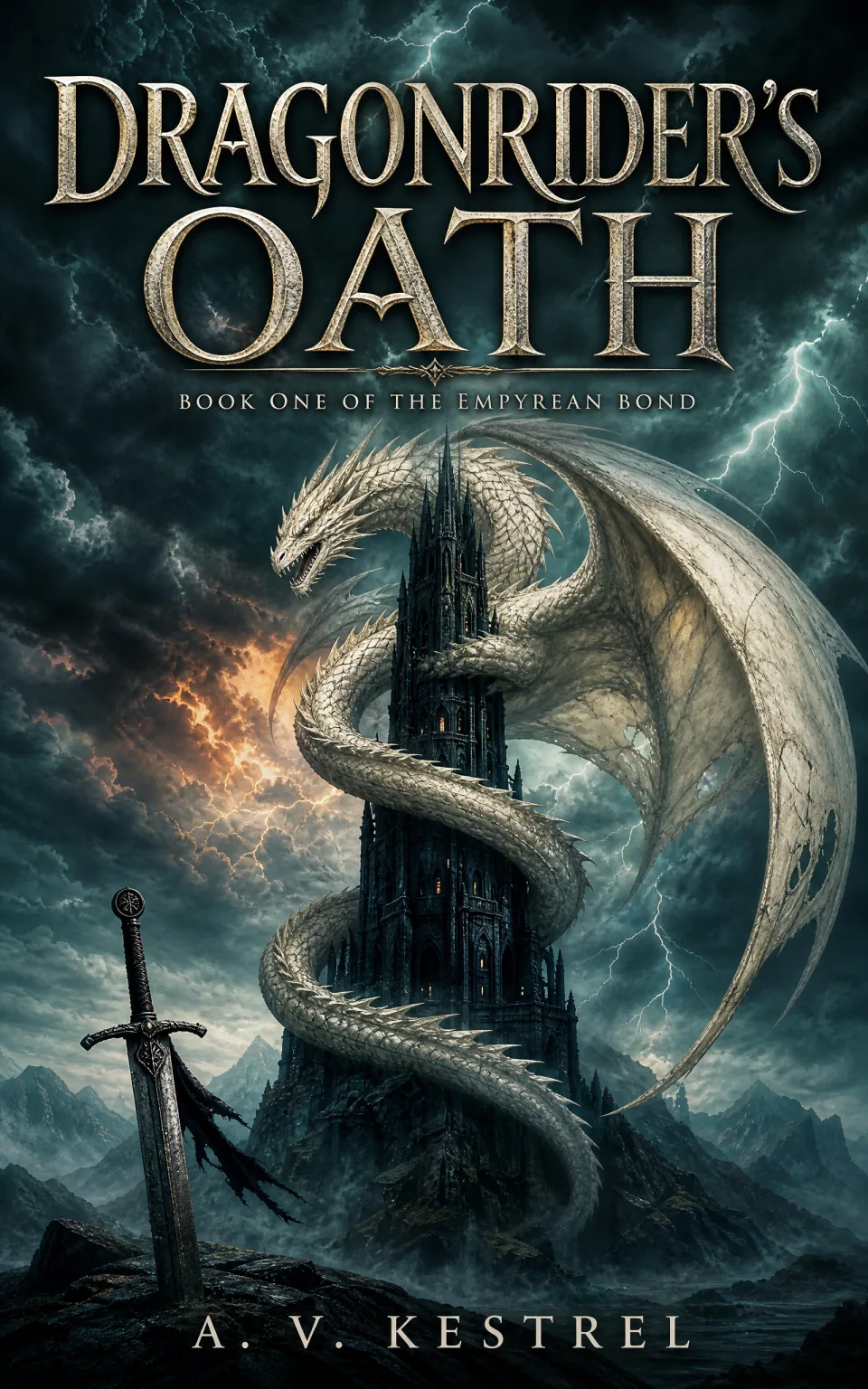
  • Dragonrider’s Oath — First direction. A bone-white dragon coiled around a black spired tower under a teal storm sky, a sword planted in the rocks below.First directionChosen to refine
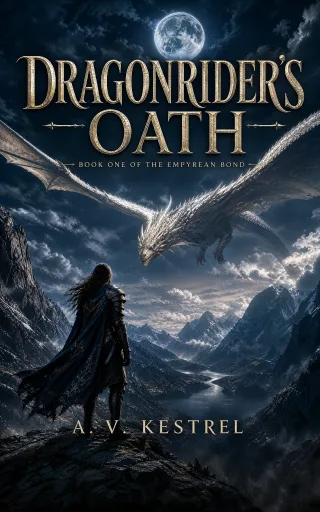
  • Dragonrider’s Oath — Alternative direction. A lone armoured rider on a high ridge faces a bone-white dragon crossing a moonlit mountain valley.Alternative direction

Two different directions · one chosen to refine · all 5 results kept

Refine the chosen direction. Text and typography changes are free.

A change never overwrites — it makes a new version beside the old one. Re-lettering and resizing the title are free. Moving anything, like every other visual change, is described in words; that makes new artwork, and its exact cost is shown on that option and applies only on success.

A bone-white dragon coiled around a black spired tower under a teal storm sky, a sword planted in the rocks below.Before · Chosen direction
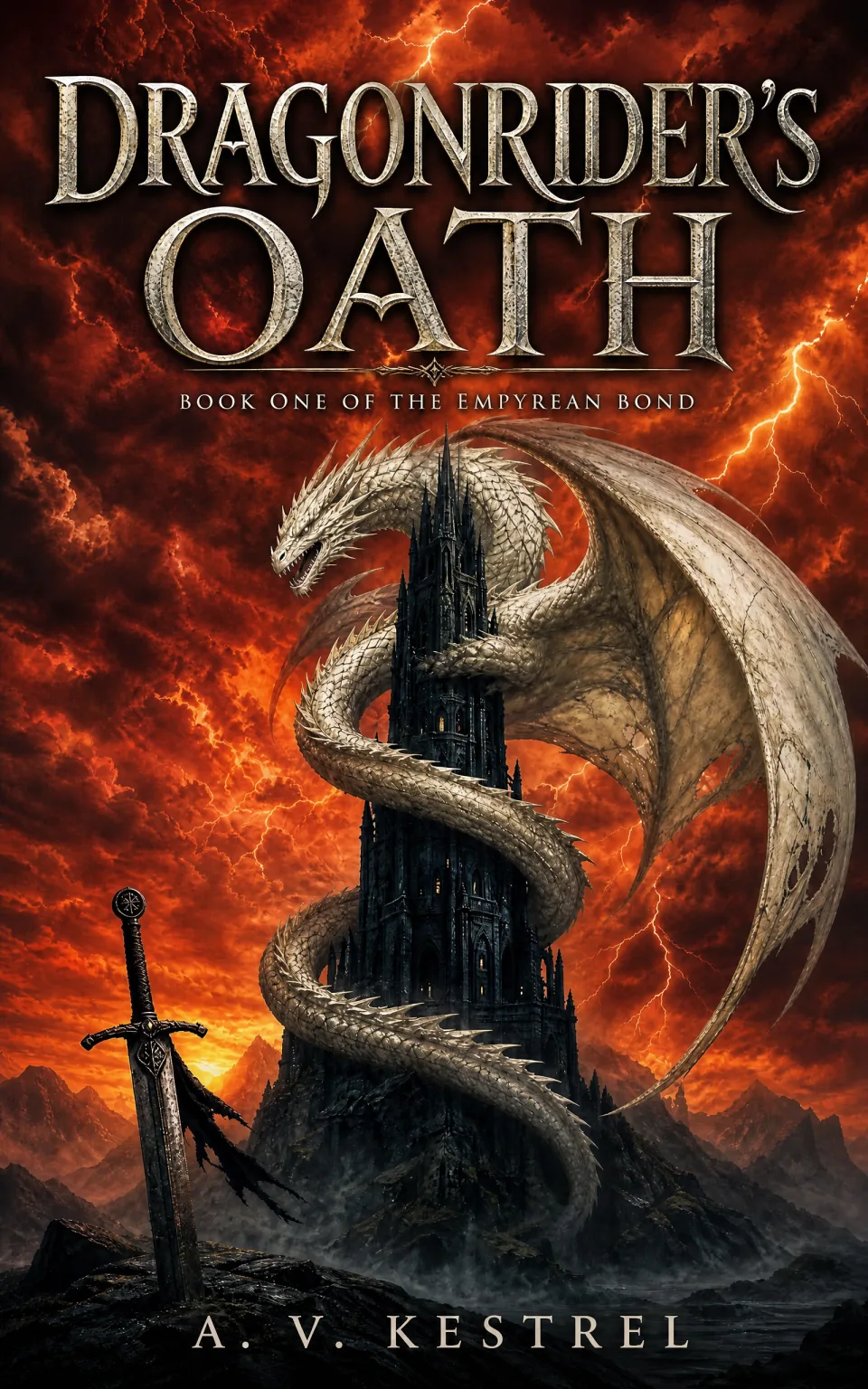
The same bone-white dragon and black tower against a burning red-orange sky, a sword planted below.After · Refined cover
What was asked forChange the storm sky behind the dragon to a burning red-orange sunset.

Make a change

  • Replace the title textFree
  • Make the title biggerFree
  • Describe a visual change1 AI Generation

The option shown selected is the one that produced the change on the left — a new picture. A generation is used only when that new picture succeeds.

Export both files.

The refined result you select becomes the Chosen cover. Export it as PNG and JPG at 1600 × 2560, and the paperback wrap built in the same workspace once your trim, page count and paper are known. Formatting, exports and re-downloads are free.

The deliverables

One ebook cover. One paperback wrap.

Two different files for two different Amazon uploads. The ebook wants a single front cover; the paperback wants back, spine and front on one sheet, sized to your book. Both come out of the same project, and building either uses 0 AI Generations.

Unlocked by a paid AI Generation

Ebook front cover

Size
1600 × 2560 px, 1.6:1 — matches KDP’s recommended ebook cover dimensions
Formats
PNG and JPG, exported as two separate files
Export cost
0 AI Generations · re-downloads are free
Rights
Full commercial rights — worldwide, royalty-free, no attribution
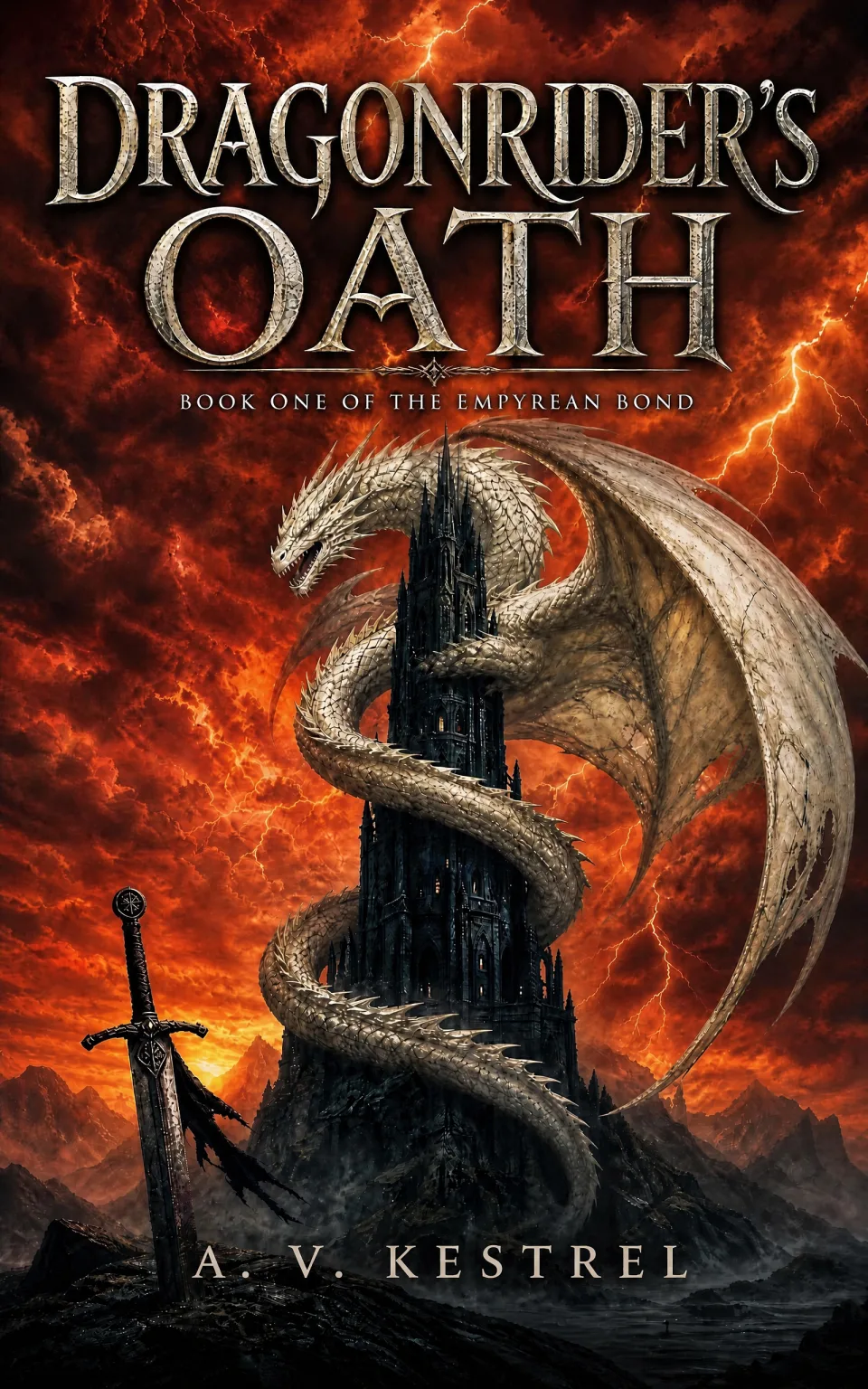
The exported front cover — The bone-white dragon and black tower against a burning red sky, the author name clear above a band of dark rock

PNGReady

JPGReady

Two artifacts at 1600 × 2560, prepared and downloaded independently.
Free · either route

Paperback full wrap

File
One PDF — back cover, spine and front cover on a single sheet
Sized from
Trim size × page count × paper type, with the spine width computed for you
Margins
0.125 in bleed on every outside edge · bottom-right barcode area kept clear
Colour
RGB
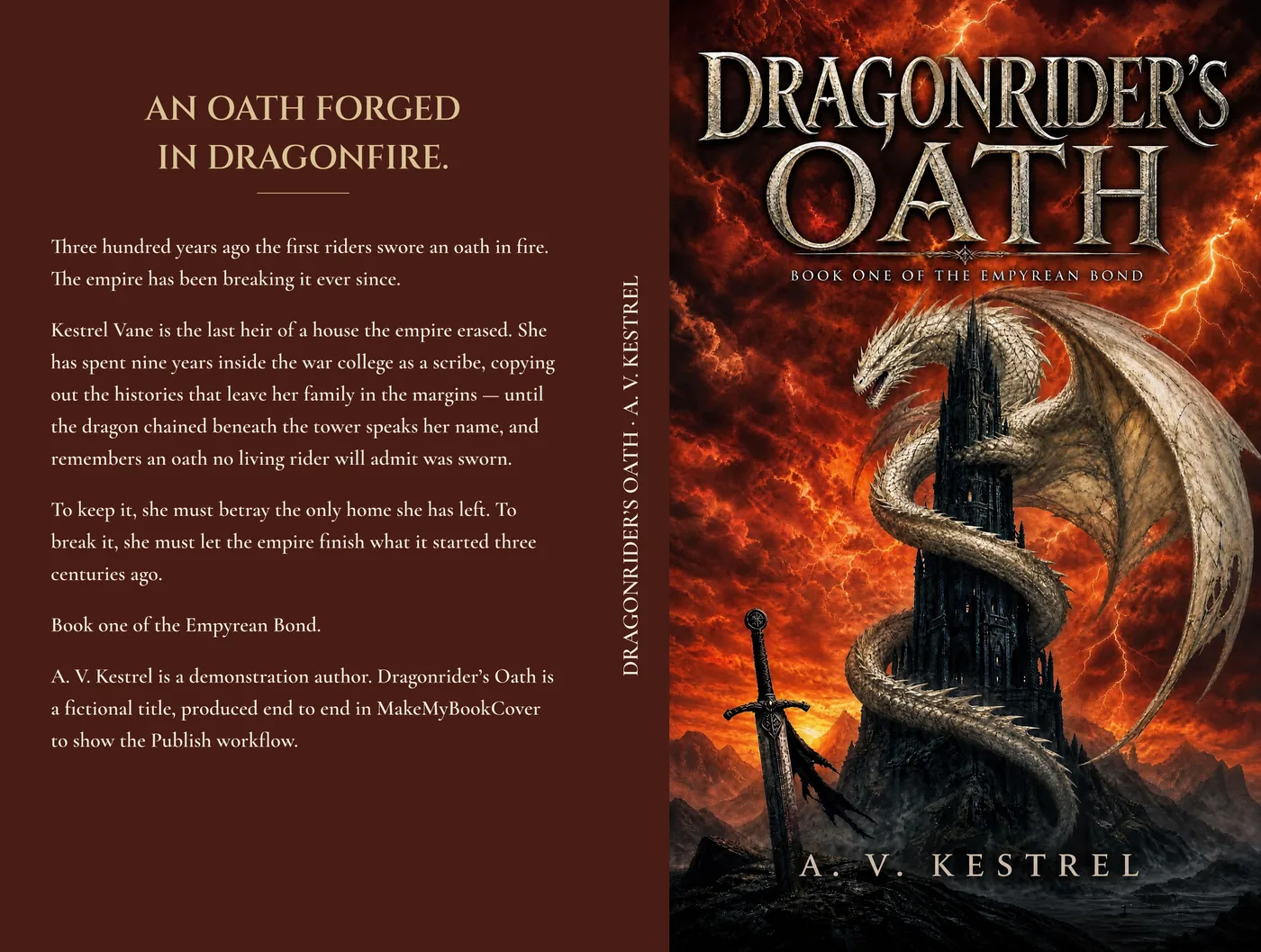
A paperback full wrap for the fictional title Dragonrider's Oath — back cover, spine and front cover on one sheet, the back panel a solid deep red carrying the headline and blurb
Rendered by the production wrap pipeline · 5 × 8 in, 300 pages · fictional title · solid back shown
Two routes to the wrap

Where your front cover came from decides which one you take.

Generated here

Project → Publish → Paperback wrap

Covers made here live in a project. Open Publish, pick the version your files should be made from, and the wrap is built from it while you set trim, page count and paper. This is the guided path: a back-cover headline and blurb, spine text, and four looks — Classic, Elegant, Bold and Modern — each with its own back-cover composition and type pairing, all drawn live with the bleed and text-safe guides on screen. The back panel is a solid colour taken from your cover’s own dominant tone, adjusted only as far as the back-cover text needs to stay readable on it. Building, formatting and exporting the wrap uses 0 AI Generations.

GenerateRefinePublishPaperback wrap
Start a cover project

Already have a front cover

Free Ebook→Paperback Converter

A front cover from anywhere else — a designer, another tool, an older book — goes through the standalone converter instead. Upload it, give trim, page count and paper, a short back-cover blurb and spine text, and pick serif or sans. Simpler by design, over a back colour sampled from your cover. No project or paid plan required; export uses 0 AI Generations.

Upload a front coverConverterPaperback wrap
Open the free converter
Pricing

Try three. Buy once, or not at all.

There is no subscription and nothing to cancel. An AI Generation is spent only when a new visual result actually succeeds, so exploring is not the expensive part — and most of what you do to a cover after it exists costs nothing at all.

Free

$03 AI Generations · 7 days

  • No card. Sign in only when you generate.
  • Watermarked 1080px-wide JPG previews — full compositions.
  • For evaluation only; no commercial rights.

Basic · one-time

$1920 AI Generations

  • Clean, un-watermarked downloads.
  • Full commercial rights — worldwide, royalty-free.
  • Valid 12 months. No subscription.

Pro · one-time

$3960 AI Generations

  • Everything in Basic.
  • Room to run several directions before committing.
  • Valid 12 months.
1 AI Generation = 1 new AI visual result

An AI Generation is used only when a new result actually succeeds. Failures, timeouts, cancellations and retries of the same request never consume the final allowance.

  • Title text changes0
  • Title typography0
  • Front cover export — PNG and JPG0
  • Paperback Full Wrap formatting and PDF0
  • Solid back panel on the wrap0
  • Re-downloading anything you already made0
  • Failed, cancelled or result-less requests0
  • Each cover in the first generation1
  • A new concept or variation in the project1
  • A described visual change in Refine1

What a usable, full-rights cover costs elsewhere

  • Custom cover designer$300–$1,200
  • Premade cover$50–$350
  • Generic AI image subscription$10–$30/mo

Unused packs are refundable in full; a partly used pack is refunded minus the AI Generations already spent. Refund policy · Full pricing page

Before you publish

Three answers, in writing.

You own the cover

A paid download is yours to use commercially — print and ebook covers on Amazon KDP, Apple Books, Kobo and IngramSpark, marketing for that book, and your author portfolio. Worldwide, royalty-free, no attribution and no royalty share.

Free previews are for evaluation. Share them as they are, watermark included — but you need a paid download before selling a cover.

It matches KDP’s recommended dimensions

The ebook front cover is 1600 × 2560 px, 1.6:1 — the ideal ebook cover dimensions KDP publishes. A paperback needs the separate wrap file, calculated from your trim, page count and paper.

Dimensions are one of KDP’s conditions. File size, content, borders and a metadata match are yours to check, so nothing here is a statement about whether a given upload will be accepted.

AI-generated covers must be disclosed

KDP requires you to disclose AI-generated content, including cover images, during title setup. That declaration is yours to make — we cannot see it or complete it for you, and this page is not a summary of Amazon’s policy. Read KDP’s own content guidelines before you publish.

Because of how image models work, output may not be unique and is not warranted as original or registrable. Review the final cover before commercial use.

The full text lives in the Terms of Service · Privacy · Refunds

FAQ · 8 questions

Questions authors ask.

New accounts get 3 free AI Generations, valid 7 days, with no card. You sign in only at the moment you generate. Those results are watermarked 1080px-wide JPG previews — full compositions, enough to judge whether a cover is right, but licensed for evaluation only and not publishable. The clean file comes from a paid AI Generation: $19 for 20 or $39 for 60, one-time, valid 12 months. There is no subscription and nothing to cancel.

Romance and dark romance, fantasy and romantasy, thriller and mystery, nonfiction, and children’s from board book through middle grade. Each genre carries its own archetype set, coded by hand against the current Amazon bestseller tier for that category, so a thriller cover never comes out looking like romance. Pick your genre in the form and the grid above changes with it.

Nothing is a dead end and nothing is overwritten. Every result lands in a project that keeps all of its versions, and a change makes a new version beside the old one. Two of the three changes cost nothing: replacing the title text and making the title bigger. Only a described visual change is a new AI picture, and it is charged 1 AI Generation on success — an ai generation is used only when a new result actually succeeds. failures, timeouts, cancellations and retries of the same request never consume the final allowance.

The ebook front cover as PNG and JPG at 1600 × 2560 px, 1.6:1 — matching KDP’s recommended ebook cover dimensions — and, if you are printing, one paperback Full Wrap PDF holding the back cover, spine and front cover on a single sheet. Both exports use 0 AI Generations, and anything you have already made can be re-downloaded free.

Yes, free, but as a separate step — wrap dimensions cannot be known until your page count is final, which is not something a cover generator asks for. A cover made here builds its wrap in the project’s Publish workspace, with a back-cover headline and blurb, spine text and a choice of four looks drawn live against the guides. The renderer applies 0.125 in of bleed on every outside edge and keeps the bottom-right barcode area clear. A cover made anywhere else goes through the simpler standalone converter instead.

Yes, once you download a result created with a paid AI Generation. That download is the clean, un-watermarked file and it carries full commercial rights — worldwide, royalty-free, no attribution and no royalty share. Free previews are watermarked evaluation copies, so publish from a paid result. Separately from the rights you get here: KDP requires you to disclose AI-generated content, including cover images, during title setup. That declaration is yours to make, and KDP’s own content guidelines are the authority on what it covers — nothing on this page substitutes for reading them.

No generator can guarantee that every image is publication-ready. What this one removes are the two biggest tells: the composition is constrained to the genre’s measured conventions instead of a model average, and the lettering is constrained — the exact characters are demanded with clean letterforms rather than left to the model to invent. You should still inspect hands, faces, small details and how the title reads at store-thumbnail size, and generate another version when a result is not clean enough.

Those are useful when you want to assemble a cover by hand from templates, stock assets and layout controls — you start from a blank canvas and supply the design judgement. This starts from a different job: enter the book details, pick the genre, and review complete compositions constrained to that genre’s bestseller patterns. From there the work is editing a cover rather than building one, and the paid download comes with the clean file and commercial rights.

Go deeper

Go deeper

How to Make a Book Cover (2026 KDP Author Guide)Choose between DIY, AI, premade and custom design, then check the common KDP failure modes before publishing.
Bestseller Cover Visual DNA IndexThe sample definitions, methodology and genre-level findings the archetype sets are coded against.
Ebook Cover to Paperback ConverterAlready have a front cover from somewhere else? Turn it into the back-spine-front wrap here.
Start free · no card

Your first 3 AI Generations
are free for 7 days.

Generate a few directions, keep the one that works, change what you want to change — most of it for nothing — and take away the 1600 × 2560 PNG ebook cover plus the paperback wrap. Clean files and full commercial rights from $19, one-time.

Make My Book Cover