For authors leaving Canva
The Canva alternative built for one job — book covers that print.
Two ways in. Take the one that matches what is already on your hard drive.
Already have artwork?
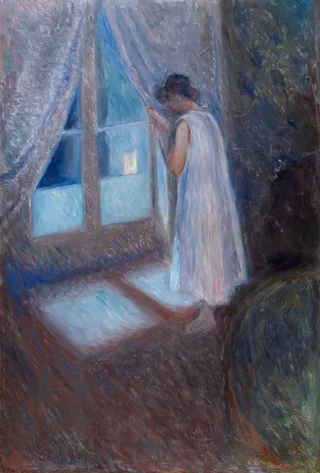
Finish your book cover for free.
Bring the illustration, photograph or painting you already own. We set the type over it and never repaint it.
Use my own artwork — FreeEbook file · paperback wrap · KDP checks — all free
Need the artwork too?
Create a genre-right cover with AI.
Describe the book. Get covers that read as your subgenre at thumbnail size, then keep editing the type for nothing.
Create with AIFree previews · clean files from $19
Already have a finished cover?Make it paperback-ready →
Why authors move on
Canva is a great design tool. A book cover is not only a design.
It is a file with a printer’s geometry baked into it, and that geometry changes with your page count. Three things a general-purpose canvas has no reason to know:
The spine is a calculation, not a guess
Its width comes from your page count and your paper stock. Change either and every panel on the wrap moves.
Bleed and safe margins are not decoration
The printed page is trimmed. Type that looks centred on screen can sit inside the part that gets cut away.
The deliverable is a wrap, not a picture
Back cover, spine and front on one page at the size KDP expects — which is where a beautiful front cover stops being enough.
Bring your own artwork
From your file to a printable book — without a model touching the picture.
One continuous run, and every step below is the real thing this workflow produces.
01 · Your file
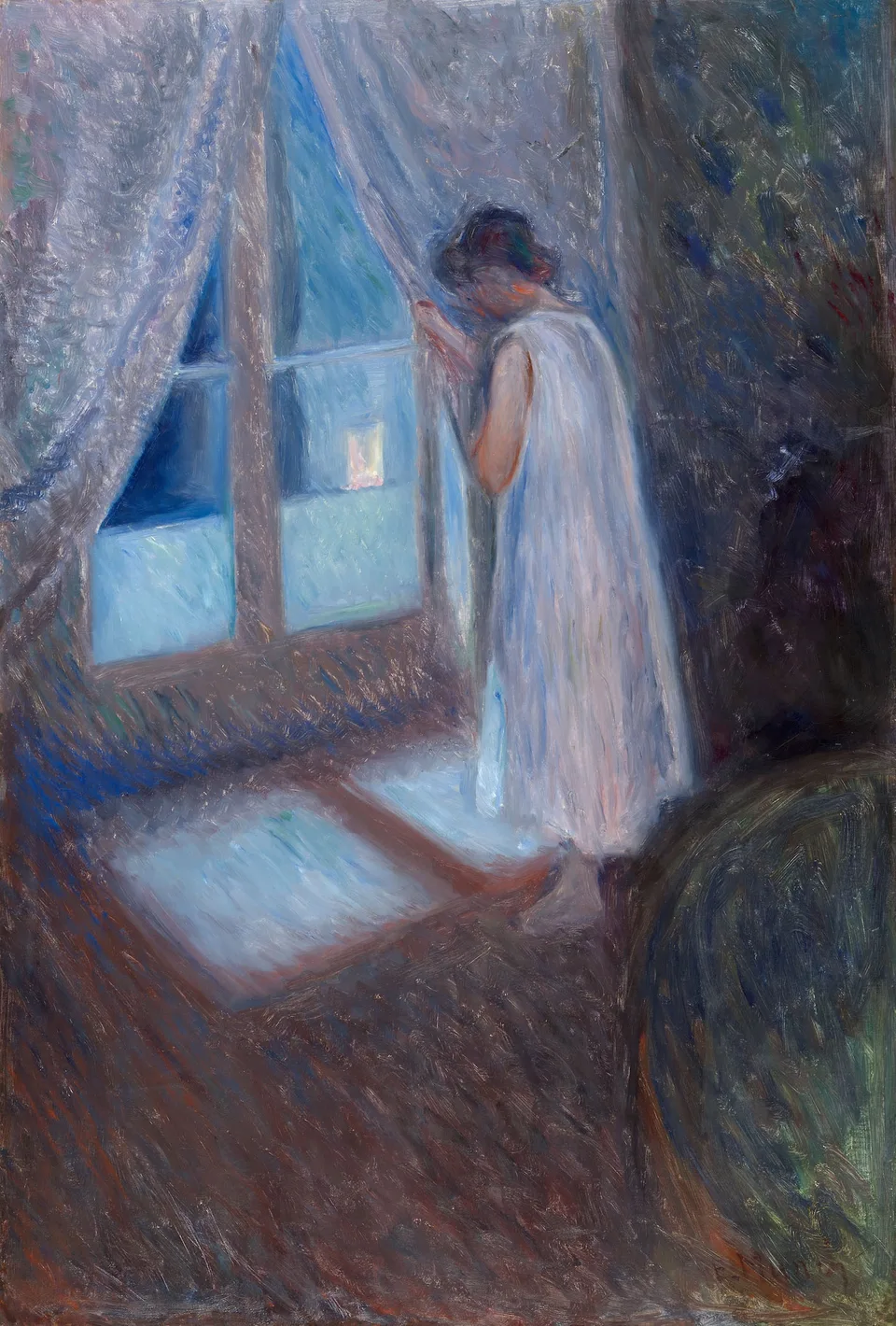
The artwork you own
JPEG or PNG, straight off your drive. Nothing is redrawn.
02 · Framed
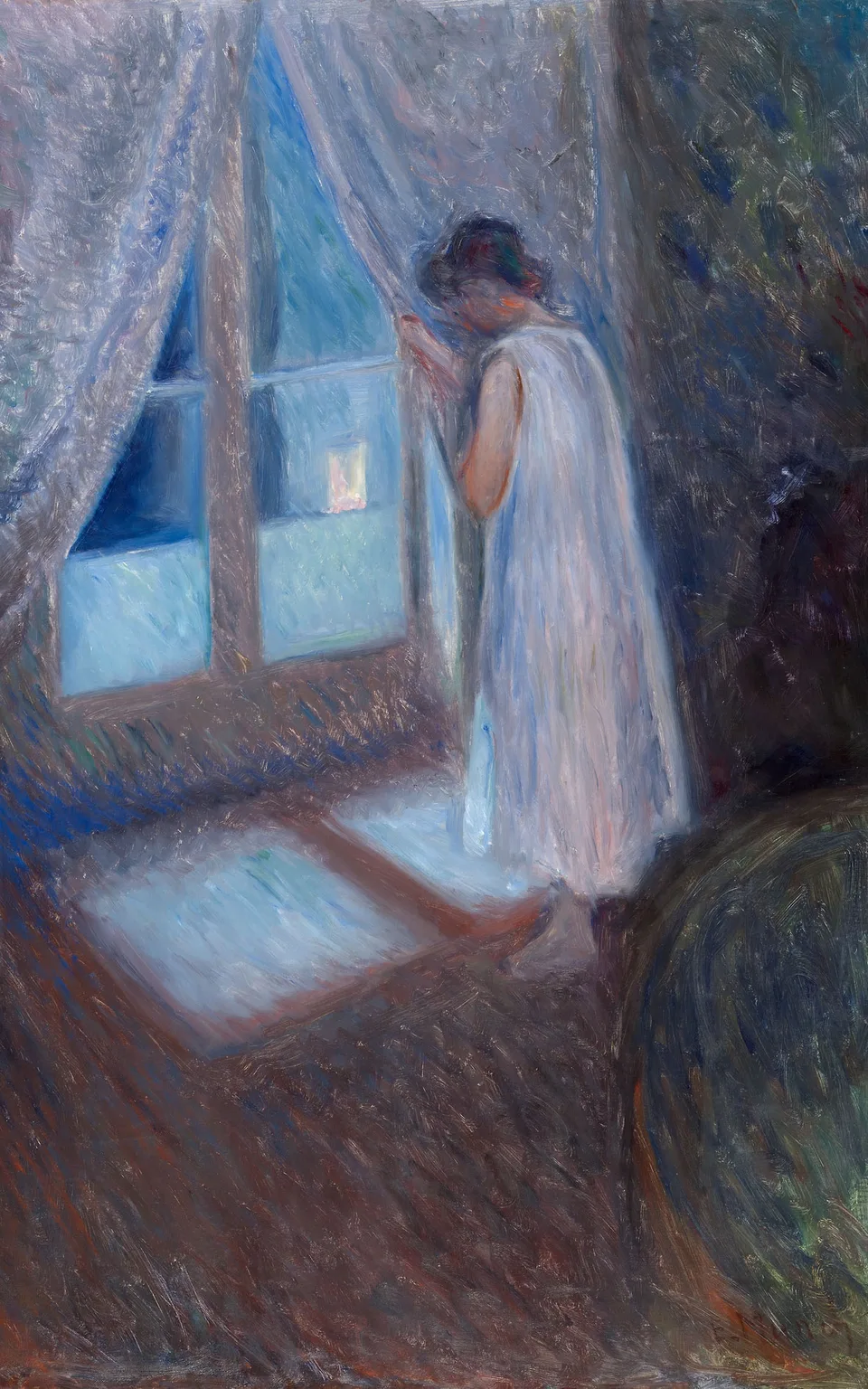
Framed to cover shape
You choose the crop, and it tells you what it kept — 92.5% here.
03 · Type
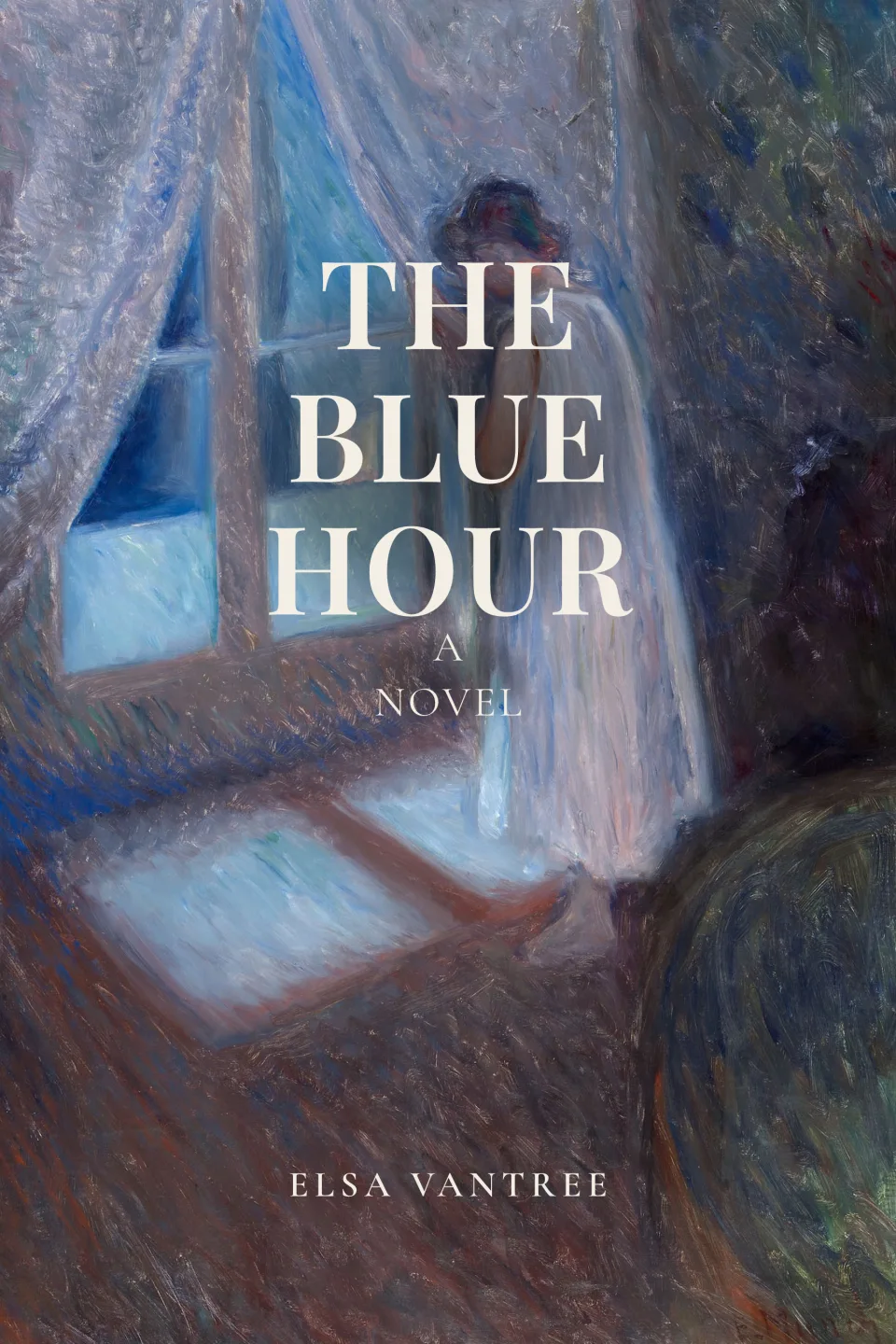
Type set over it
Layered separately, so the painting underneath is untouched.
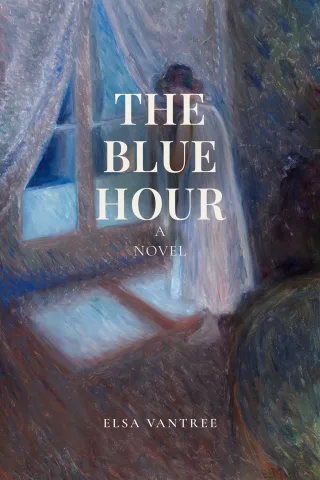
04 · Ebook file
Out as a clean ebook cover
No watermark and no plan needed — shown here at about the size a result occupies on a store search page.
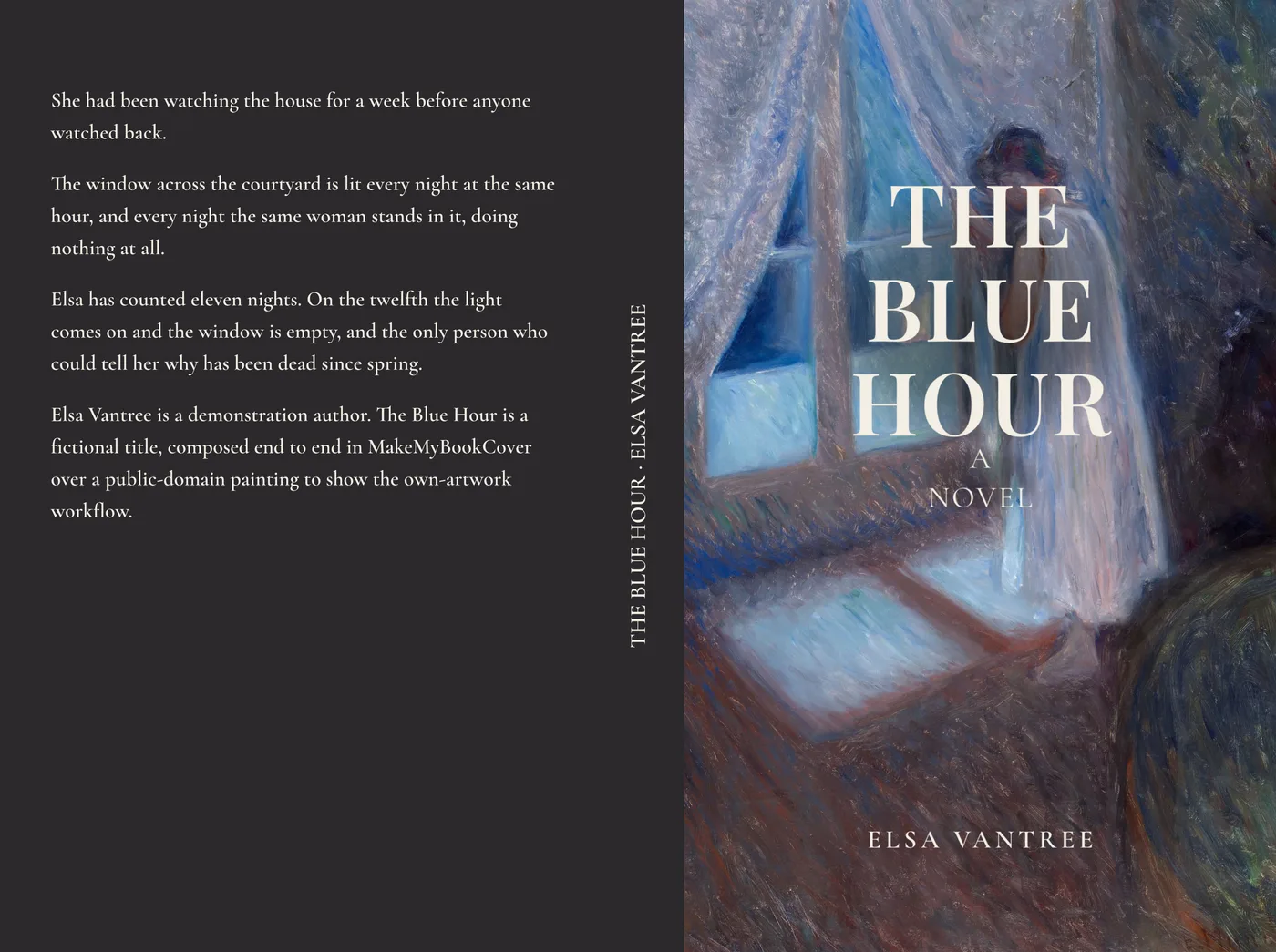
05 · Paperback
Out as a paperback wrap
Back, spine and front on one page. Spine width from your page count.
06 · Checks
Checked before you upload
Measured facts about your file. Not an approval — only KDP approves.
5 pass · 2 info · 0 blockers
- passSingle-page PDF
- pass11.050 in × 8.250 in
- pass300 PPI artwork
- passFont dependency
no provider call · upload → paperback PDFThe selected artwork is not AI-repainted. Typography is layered separately. No AI is required anywhere on this route.
Demo fixture. The painting is Edvard Munch’s “The Girl by the Window” (1893, Art Institute of Chicago), public domain — not a reader submission and not commissioned for this page.
If you need the artwork too
Four subgenres, four different books. Same product.
You pick a genre and describe the book, and what comes back is built against that category’s own conventions rather than a generic cover with your title on it. The last two below share a shelf in every bookshop and look nothing alike, which is the whole point.
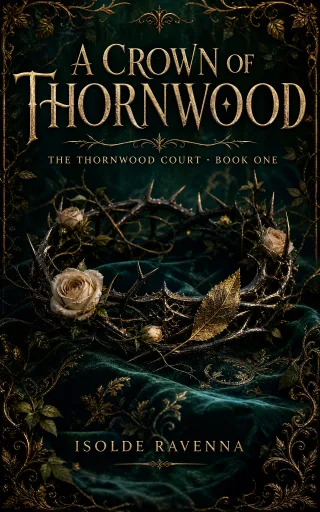
Romantasy
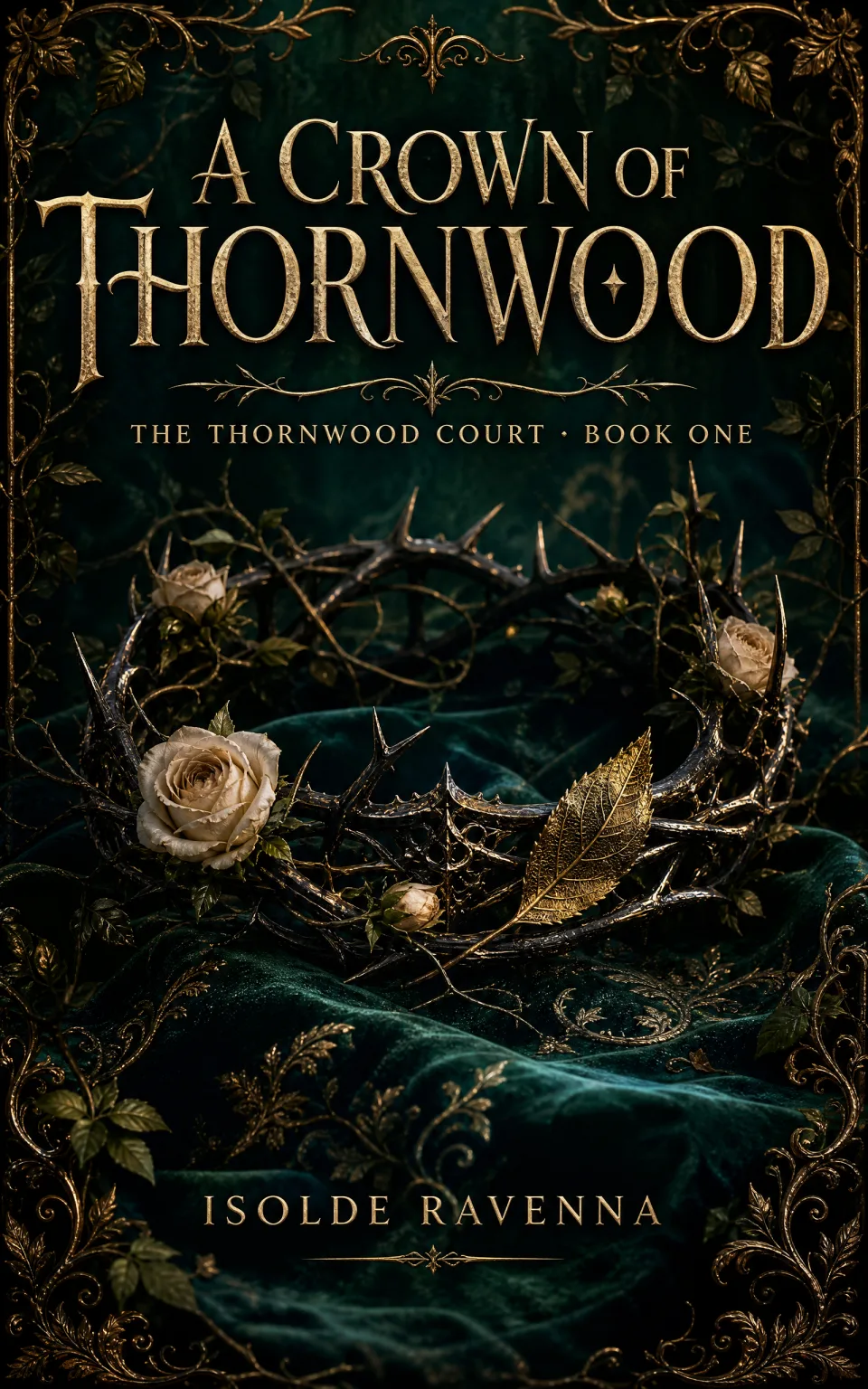
Gilded botanical frame and a symbolic object, not a face.
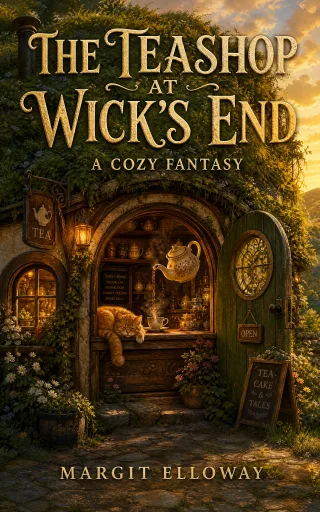
Cozy fantasy
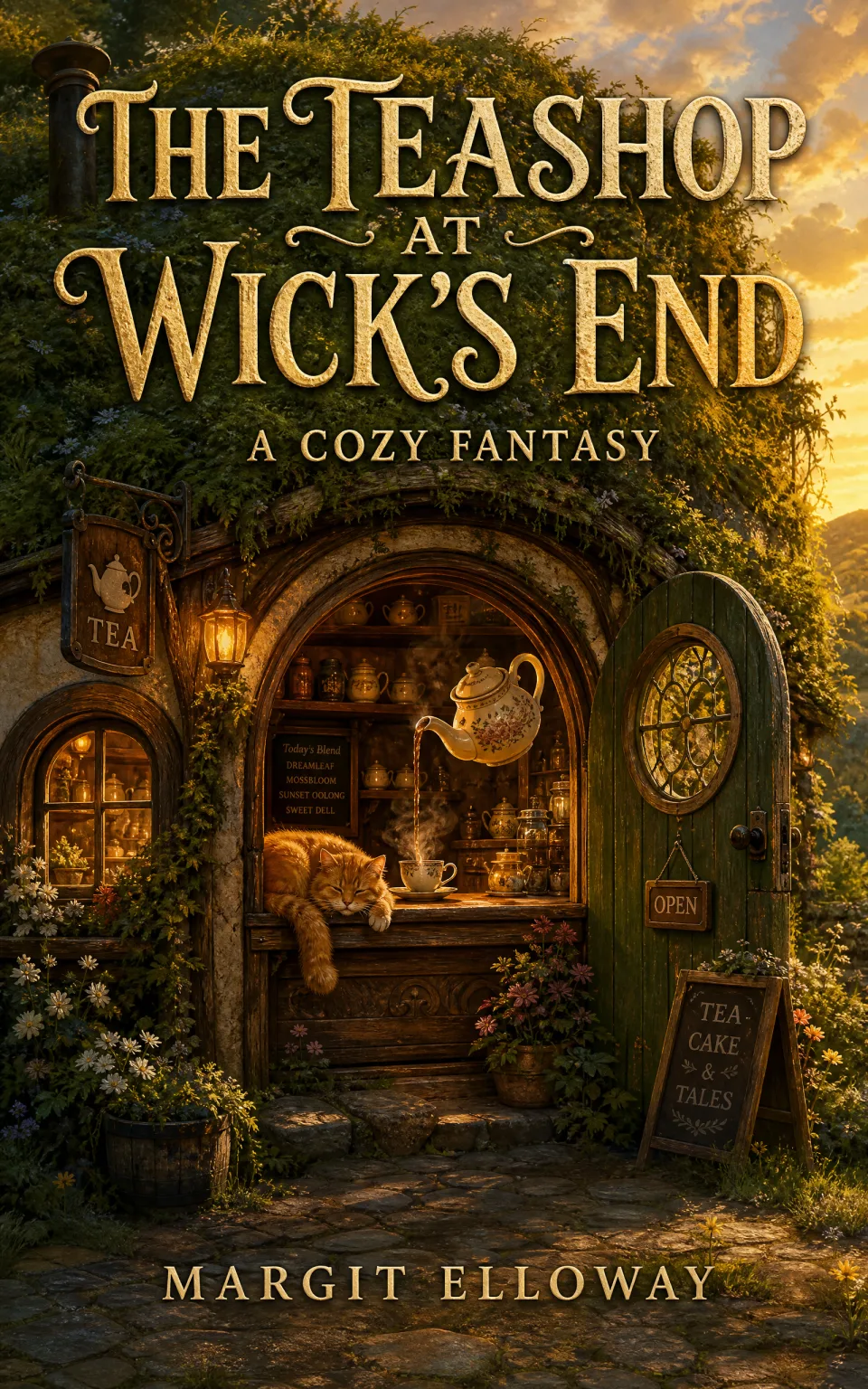
Warm light, a lived-in interior, and nothing at stake.
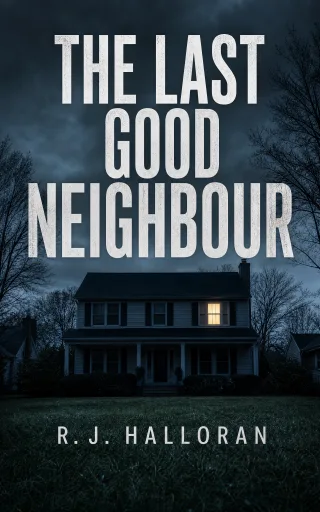
Domestic thriller
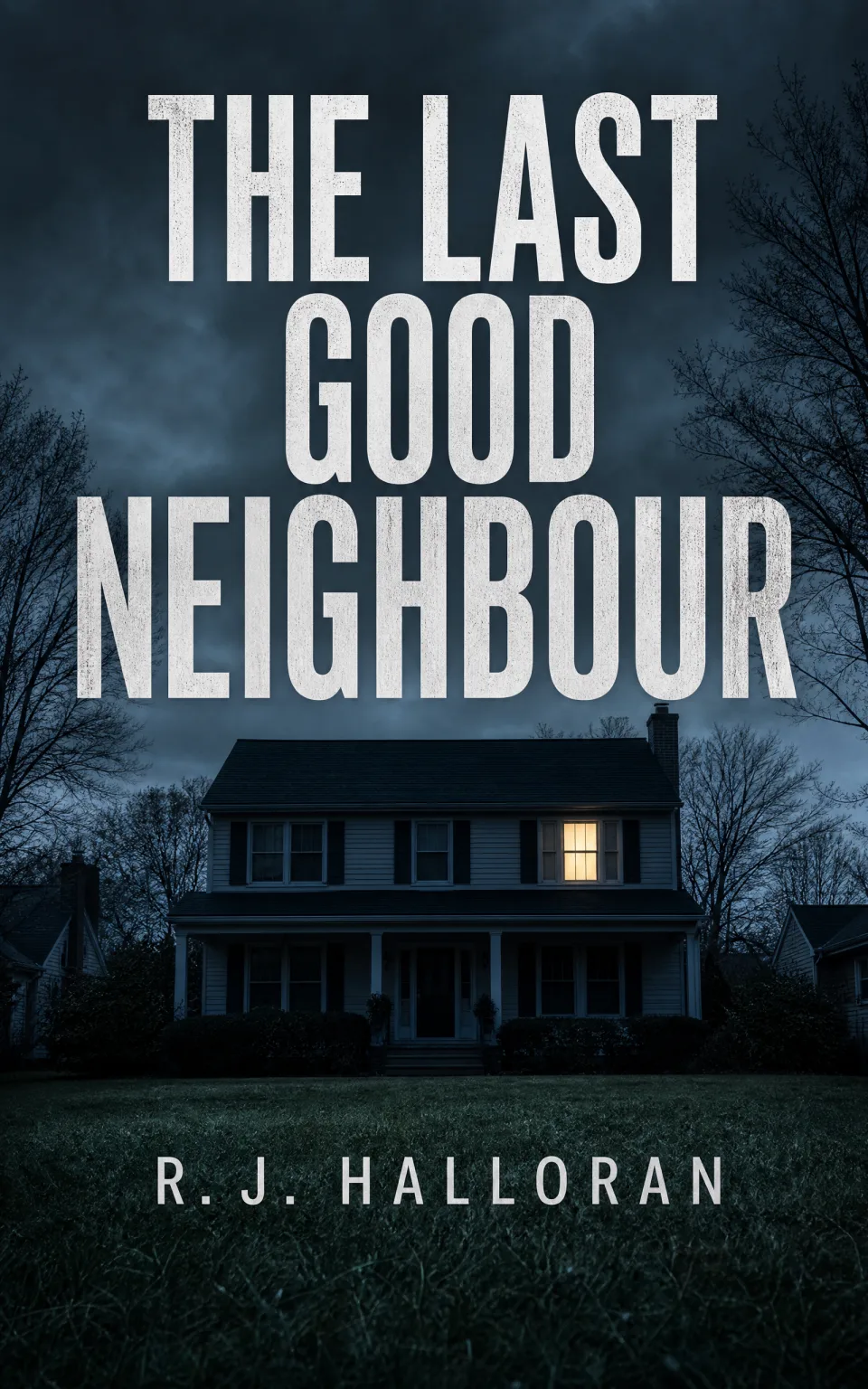
Enormous type, one ordinary house, one lit window.
Cozy mystery

Bright illustration, a cat, and a murder nobody bleeds for.
The same four at about 160px — roughly what a result occupies on a store search page.
Romantasy
Cozy fantasy
Domestic thriller

Cozy mystery
Every cover in this section is product output. Demonstration authors, fictional titles. How the genre cues are chosen →
How much control you keep
Change the type without changing the artwork.
A · Playfair Display, as composed
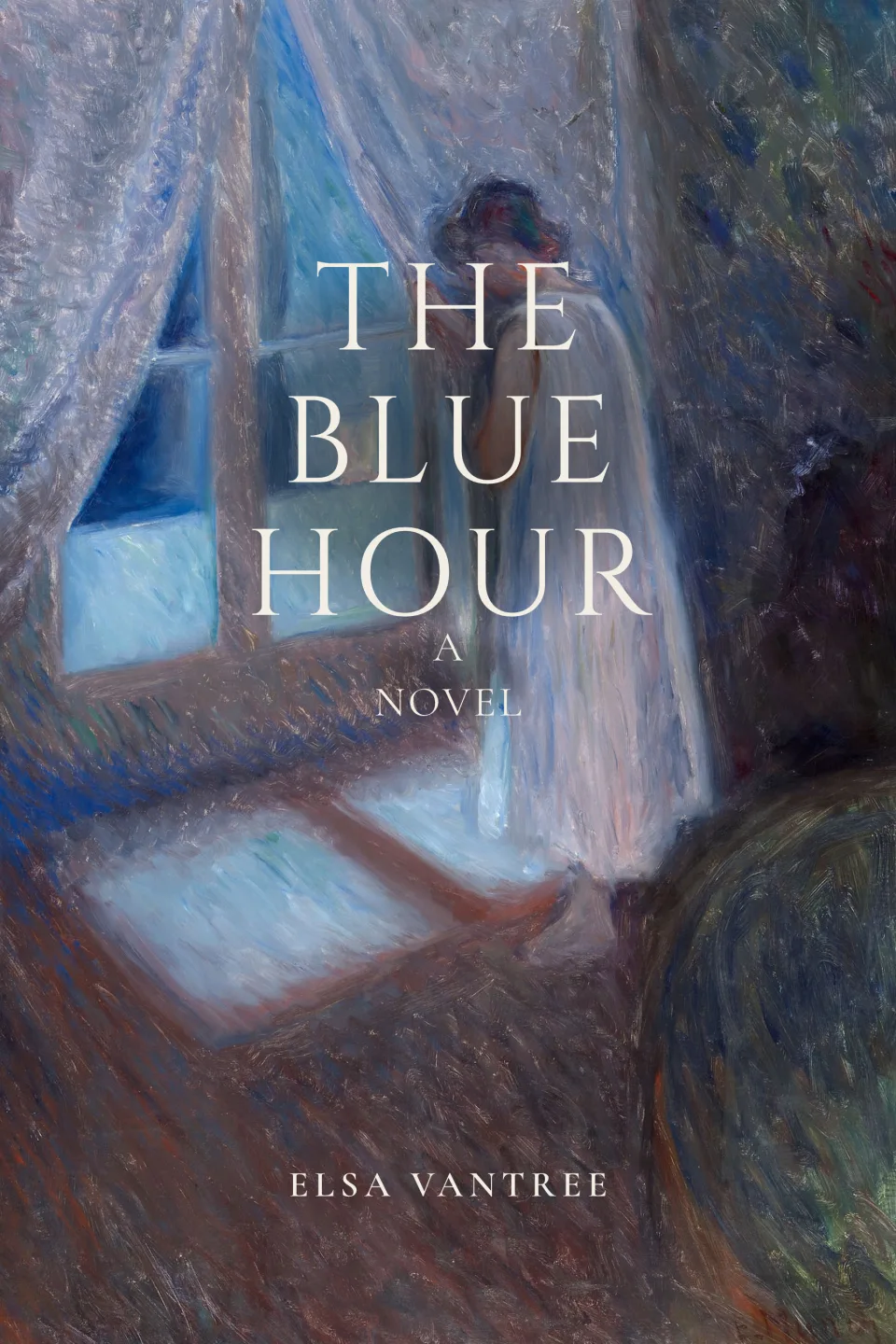
B · Cinzel, wider letter-spacing
Two covers, one picture. The artwork underneath has the same checksum in both — the only thing that changed is the type.
The words are data, not pixels. Moving a title is a new layout, so nothing about the picture can drift when it moves — and most of what you will want to do costs nothing.
- TypefaceFree
- SizeFree
- Letter spacingFree
- Line heightFree
- AlignmentFree
- CapitalsFree
- ColourFree
- Drag a line to move itFree
On an AI-generated cover, asking for a different picture is the paid action — one AI Generation, and it makes a new version rather than overwriting the one you liked. Nothing above costs anything, on either route.
Earlier versions are kept. A visual revision makes a new one rather than overwriting the one you liked.
Finishing the book
The file KDP asks for, and the checks before you upload it.
5 × 8 in · 320 pages, cream · spine 0.800 in — measured from this book, not a template.
An ebook cover is 1:1.6. A paperback panel is not. Rather than silently cropping your art, the wrap asks you which you want:
- Crop to fitFree
- Keep the whole coverFree
- AI Extend to Fit1 AI Generation
- Crop to fitFills the panel edge to edge. The edges that do not fit are trimmed away.
- Keep the whole coverNothing is cut. The panel is filled out to the edges in a colour taken from your artwork.
- AI Extend to FitOur AI paints the missing edges in the style of your artwork. Nothing is cut, and nothing is a flat colour.
Preflight — this wrap5 pass · 2 info · 0 blockers
- passSingle-page PDF
- pass11.050 in × 8.250 in
- pass300 PPI artwork
- passFont dependency
Measured facts about your file. Not an approval — only KDP approves.
Should you actually switch?
Sometimes the answer is no.
Stay in Canva when…
- You want free-form control over a layout and already know what you are making.
- The job is marketing collateral — ads, social posts, a media kit, a newsletter header.
- You design across many formats and want one canvas for all of them.
- You are comfortable working out spine width, bleed and safe margins yourself.
Come here when…
- You have artwork and want a finished cover without redrawing anything.
- You need the paperback wrap, and the spine has to follow your page count.
- You want covers that read as your subgenre at Amazon thumbnail size.
- You would rather have the print geometry handled than learn it.
Your own artwork
Free
Framing, typography, ebook file, paperback wrap and the KDP checks. No card, no generations spent.
Basic
$19
20 AI Generations, one payment. For authors who need the artwork made.
Pro
$39
60 AI Generations, one payment. For a series, or a lot of exploring.
AI covers are free to preview — 3 of them, valid 7 days, no card, watermarked at 1080px wide. The clean 1600 × 2560 file comes with a plan.
Before you move
The questions worth asking first.
- Can I bring my Canva file in and keep editing its layers?
- No — and no tool outside Canva can. A Canva export is a flat PNG or JPG; the layers, the text boxes and the fonts do not survive it, so there is nothing left to reopen. What you can bring is the flat file itself, and there are two real routes for it. If it is a finished cover and you need the paperback, put it through the converter — it returns the full print wrap for your trim, page count and paper, in your browser, with no account. If what you own is the artwork rather than a finished cover — an illustration, a photograph, a painting — bring it in as your own artwork and the type is set over it here.
- Do you repaint the artwork I upload?
- Not on the own-artwork route. The picture under the type is the artwork you framed, byte for byte — signatures survive, faces survive, and there is no model in the path at all. Repainting an upload into a new cover is a different, paid thing you would have to ask for, and the flow says which one you are choosing before you spend anything.
- Is any of this actually free, or is it a trial?
- Both, for two different halves of the product. If you bring your own artwork, the whole route is free and always has been: framing, typography, the clean ebook file, the paperback wrap and the KDP checks, with no card and no generations spent. If you need us to make the artwork, that is the paid half — 3 free AI Generations valid 7 days to judge the design, delivered watermarked at 1080px wide, then $19 for 20 or $39 for 60. One payment, not a subscription.
- Who owns what comes out?
- You do. Artwork you brought is yours and stays yours — we take no licence in it and add no watermark to it. Covers you generate on a paid plan are yours to publish and sell, including commercially.
- What size are the files?
- The ebook cover is 1600 × 2560 px, which is Amazon’s recommended Kindle size. The paperback is a different file and a separate step: the full print wrap, back cover, spine and front on one page, built at KDP’s calculated dimensions for your trim, page count and paper. On the own-artwork route both are free.
- When should I just keep using Canva?
- Whenever the job is broader than one cover. Ads, social graphics, a newsletter header, a media kit, printed swag — anything where you need many assets in one visual family. Canva is a better tool for that than this is, and it is not close. It is also the better tool if you already have a clear design in your head and just need somewhere to build it: this product’s value is in narrowing decisions, which is worth nothing to someone who has already made them. Plenty of authors use both.
Take the route that matches what you already have.
Or make a finished cover paperback-ready — no account needed.